

Chevereto Cloud is now live, available for everyone with a 14-day free trial.
This one took me an absurdly long time to get it done as it was made at the same time with its companion library (Chevere), Chevereto V4 refactoring, and a couple of contract work projects. In this post I want to briefly describe the software system and the product I built.
# Technology
Chevereto Cloud is a PHP based system with the following tech stack:
- PHP (Chevere, Twig)
- RoadRunner
- MySQL (MySQLi, Dibi)
- Valkey
- RabbitMQ
- Tailwind CSS
- Alpine.js
- Cloudflare (Cloudflare for SaaS)
- AWS (SES)
Modernized the original Chevereto application model from stateless to stateful persistent workers. This enables faster response times and maximizes machine load. I picked RoadRunner for their robust plugin ecosystem, enabling simple gRPC communication between services.
I'm using MySQLi as the database layer, with Dibi on top of it. Besides being optimized for MySQL, MySQLi enables async multi-query without round-robin fetches. This changes from my usual PDO driven setup which basically only provides object notation with zero optimization.
Background processing via AMQP, enabling the deferral of time-consuming jobs to the background. This differs a lot from the short request lifespan limitation in the previous Chevereto app model which dramatically limited the system capabilities.
For templating I picked Twig for its solid track record and because creating extensions for it was pretty easy and a good learning experience coming from pure-PHP based templating. For frontend I've chosen Tailwind CSS which works remarkably nice once you understand and accept its inner workings. For interactivity I went with Alpine.js which comes bare, but dead easy to stitch together using a few in-house functions which was exactly what I was looking for.
App domains and custom hostnames are provided by Cloudflare. This enables us to offer custom domain support, TLS, and all the goodies that come with their service layer.
Email sending is provided by AWS SES. This includes transactional emails (password resets, account confirmations, billing notices) as well as system alerts, all routed through SES for reliable delivery and better deliverability tracking. We monitor bounces and deliveries through SES's webhook system.
# Website
Chevereto Cloud is built as a single monolith that serves three distinct websites: the main marketing site, the documentation site, and the dashboard panel.
# Main website
For the main website I created a simple yet modern website that outlines the product and its market. I drew inspiration from several design concepts from many different websites and templates. It has all the usual modern sell sections like why, how, FAQ, vs self-hosted, social proof, etc.
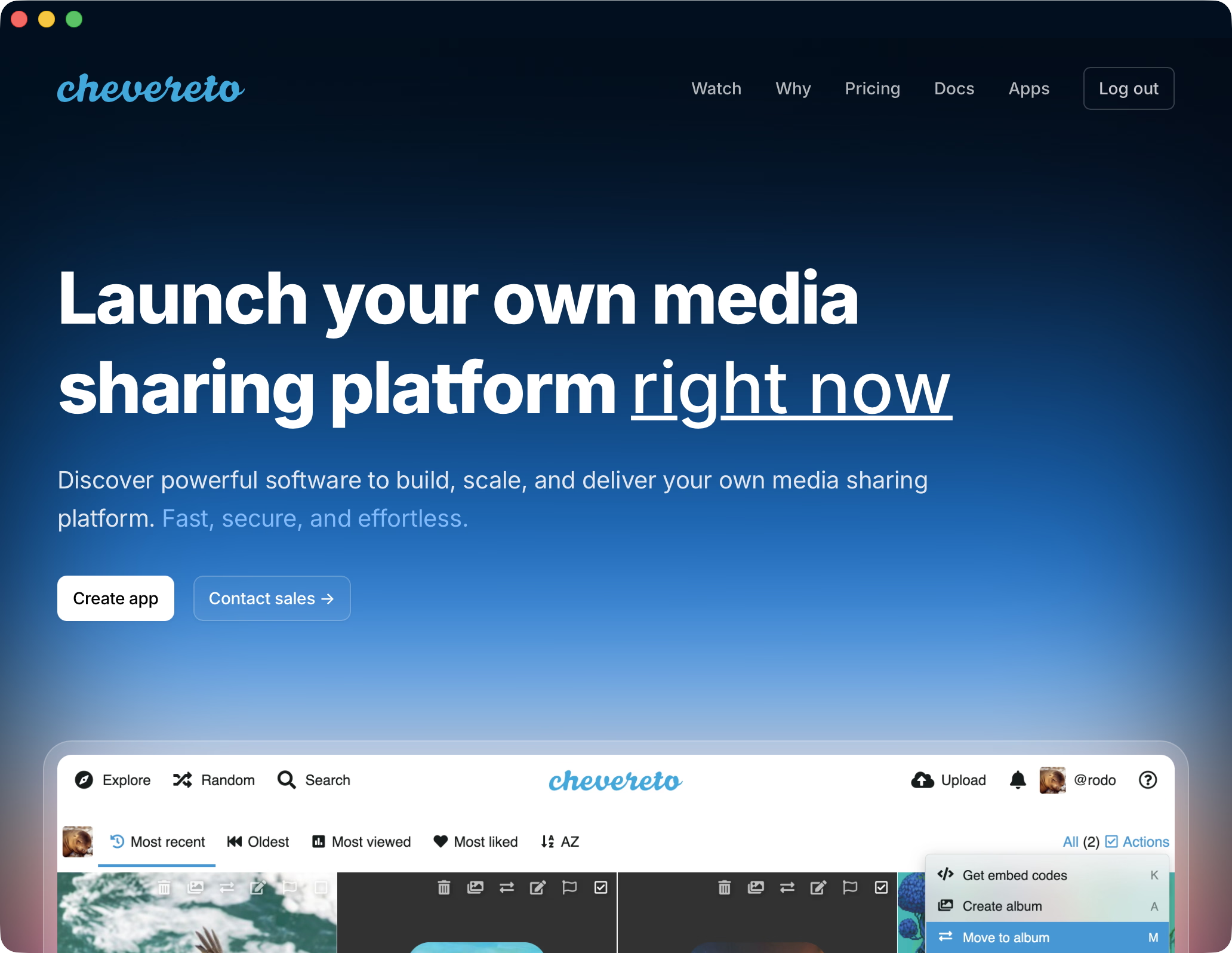
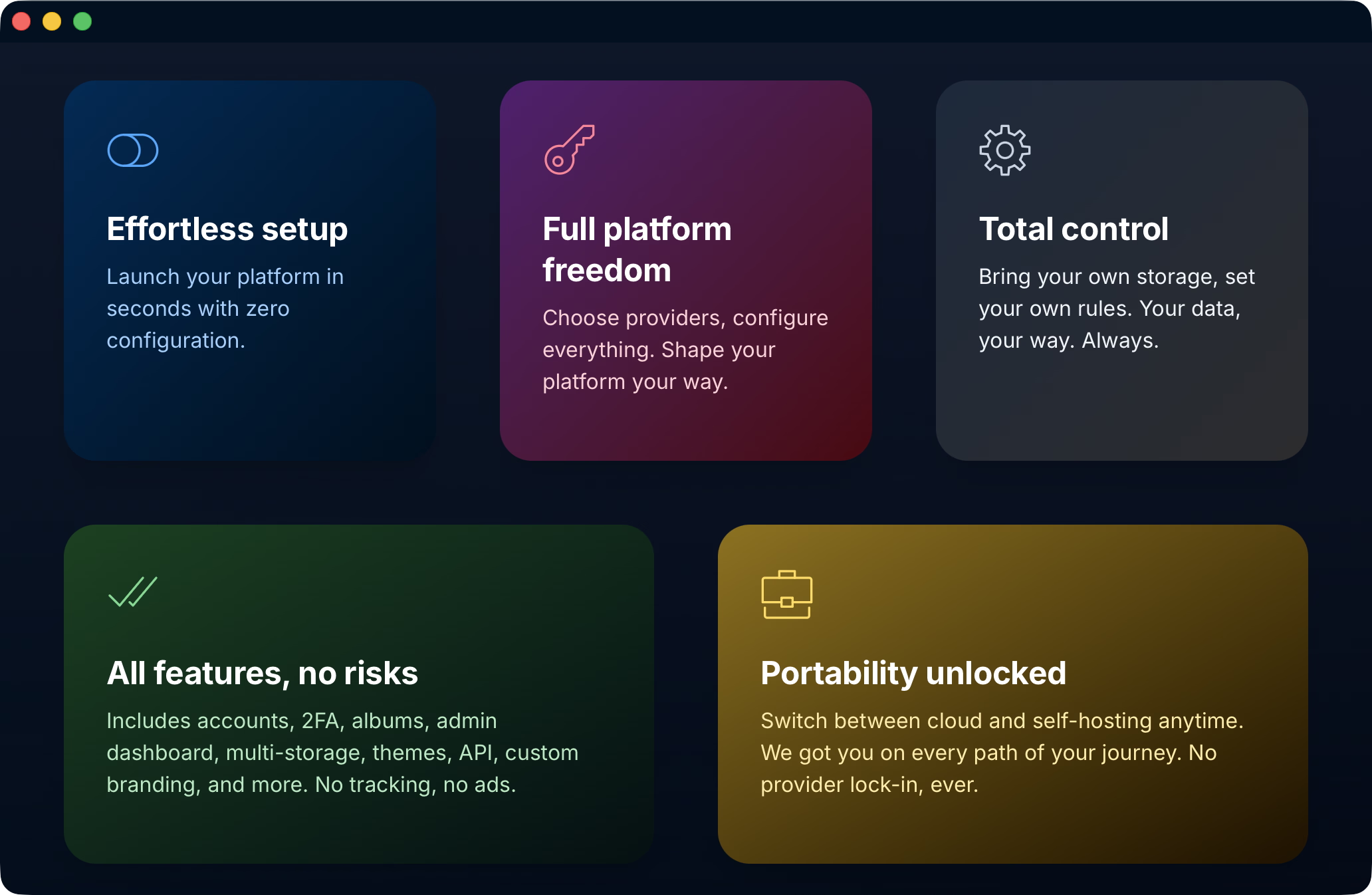
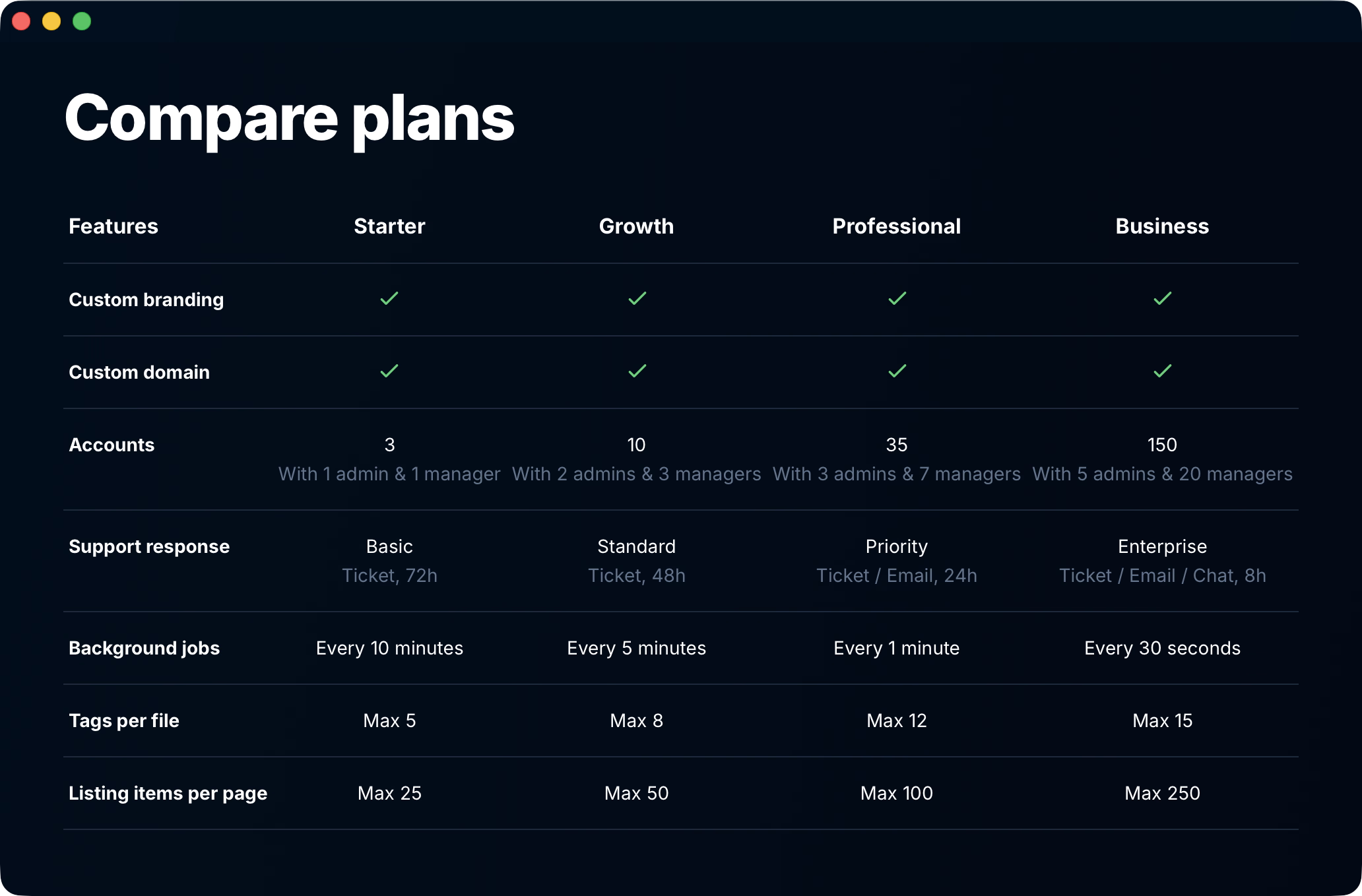
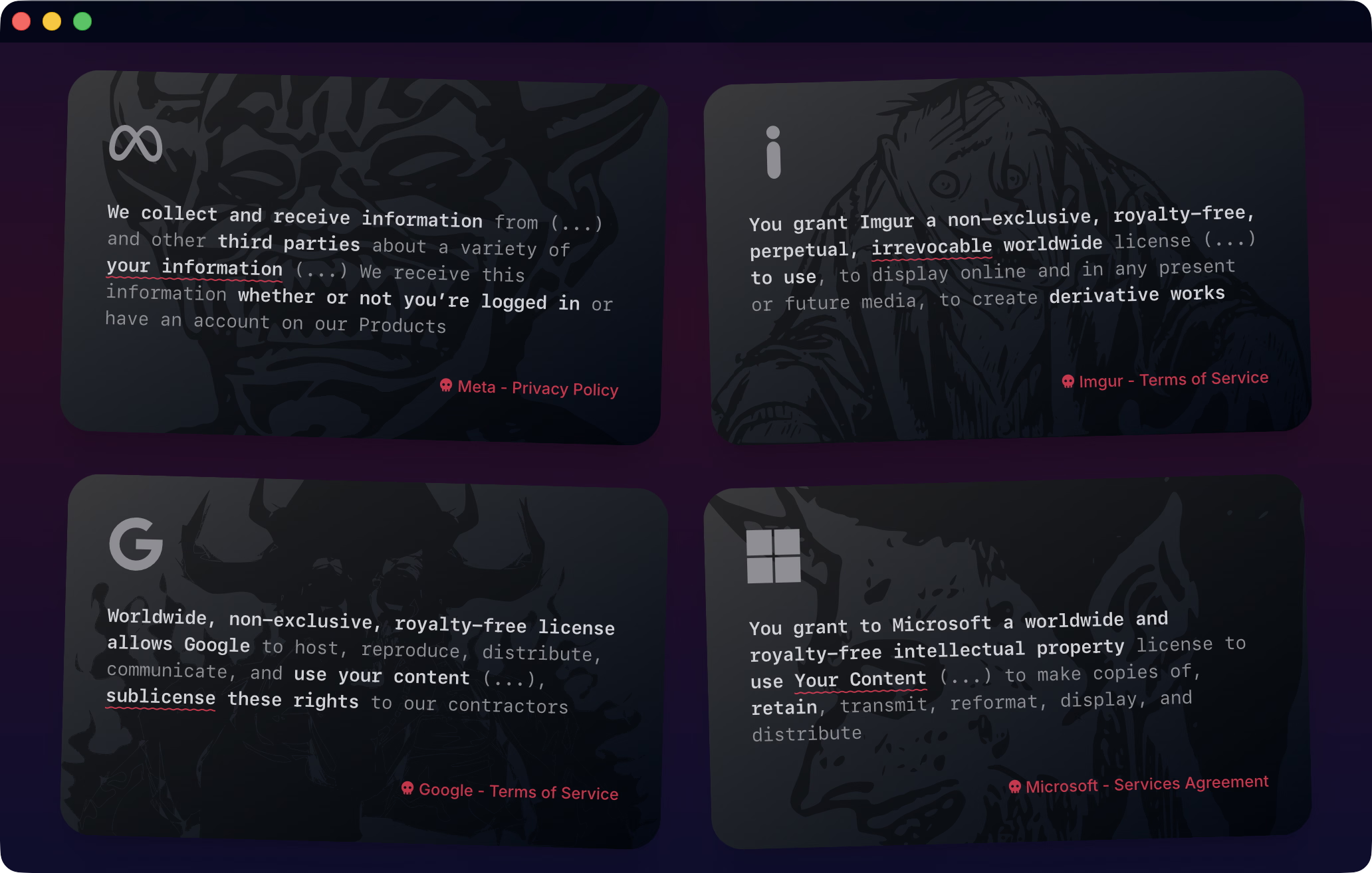
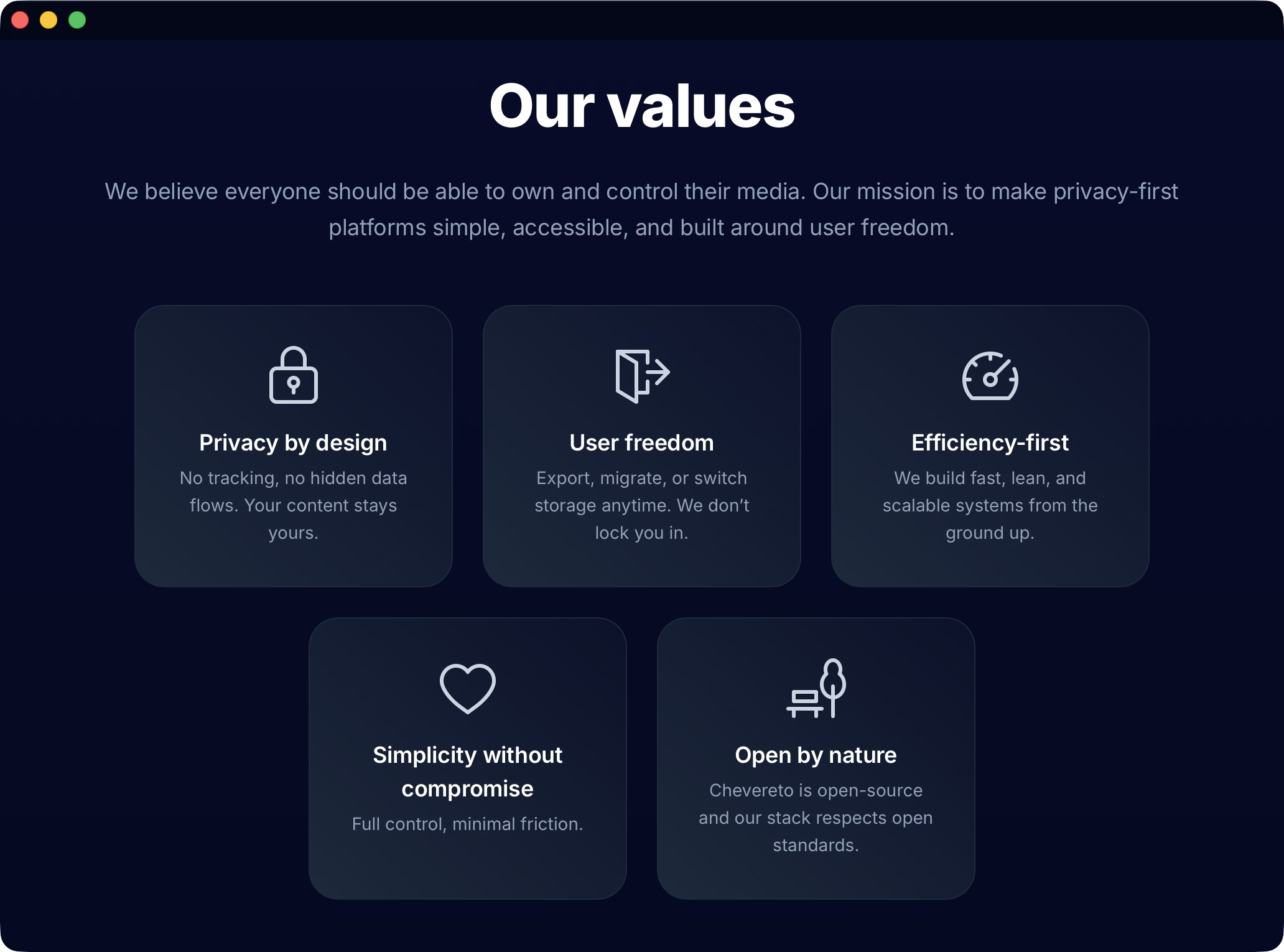
Key concept was to focus exclusively on the cloud customer and the website doesn't mention features nor provide an explanation on what Chevereto is. This is because chevereto.com does this pretty well already and eases maintenance as we have a single source of truth.
# Documentation website
For the documentation website the goal was to provide complementary documentation focused on the cloud customer. As Chevereto has docs.chevereto.com, admin.chevereto.com and user.chevereto.com manuals, all that was needed to document was the cloud dashboard system and a few quick-start guides.
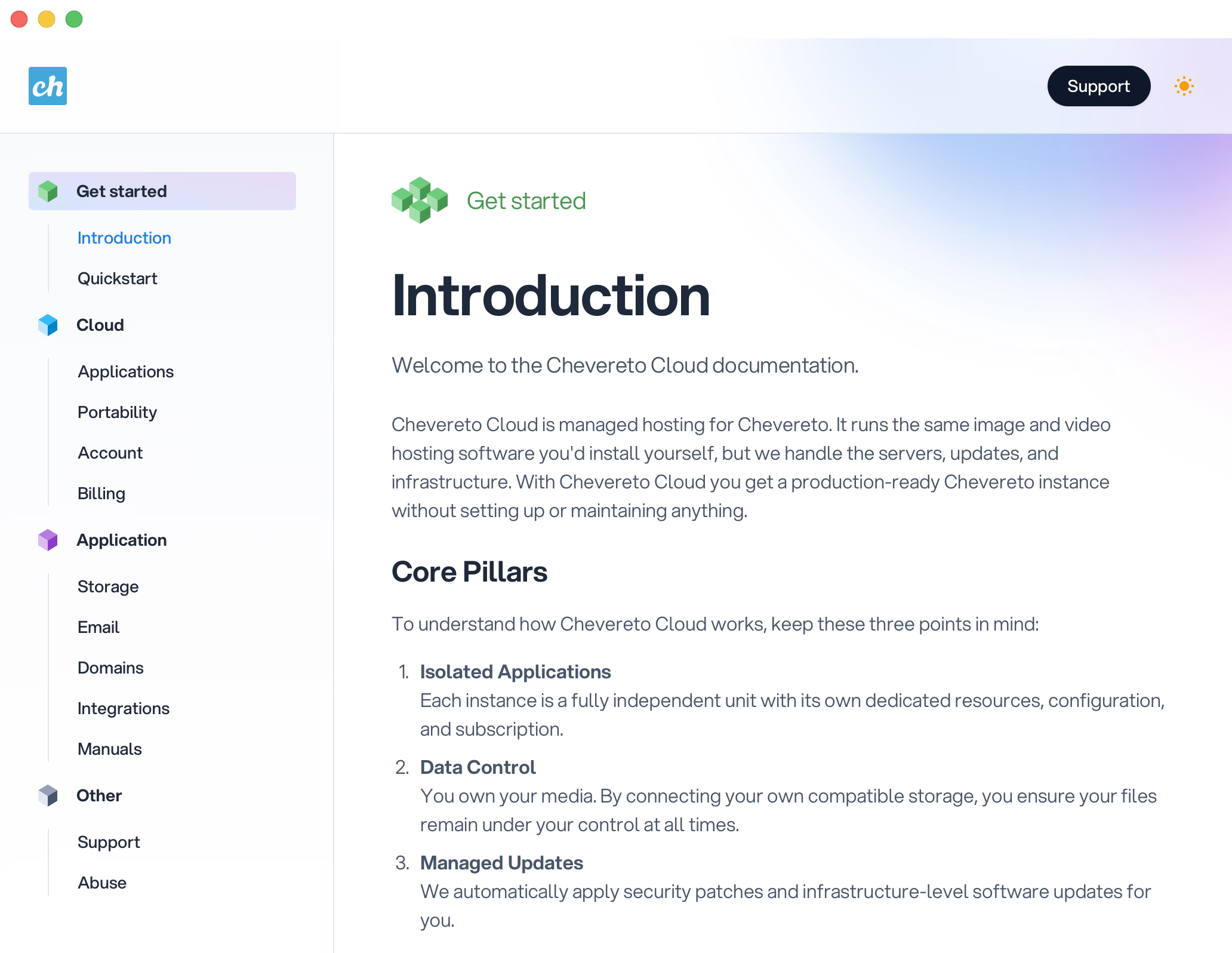
This documentation website was made on top of Docs Cruip template which I used as a base and customized. It includes dark/light mode.
# Dashboard website (user)
The dashboard panel is where customers interact with the service, it needed to be simple and straight to the point. It was made on top of a heavily-modified Mosaic Cruip template.
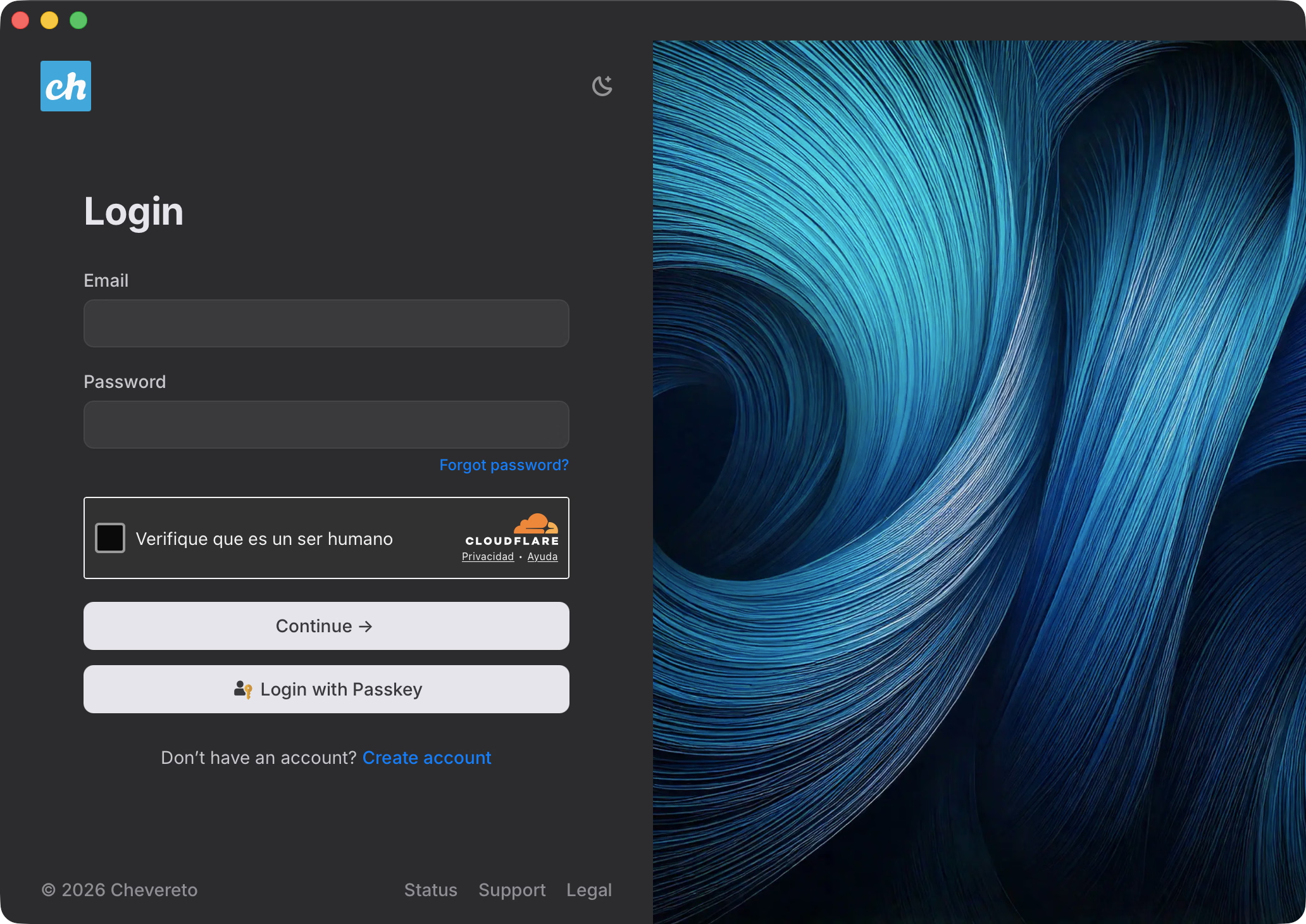
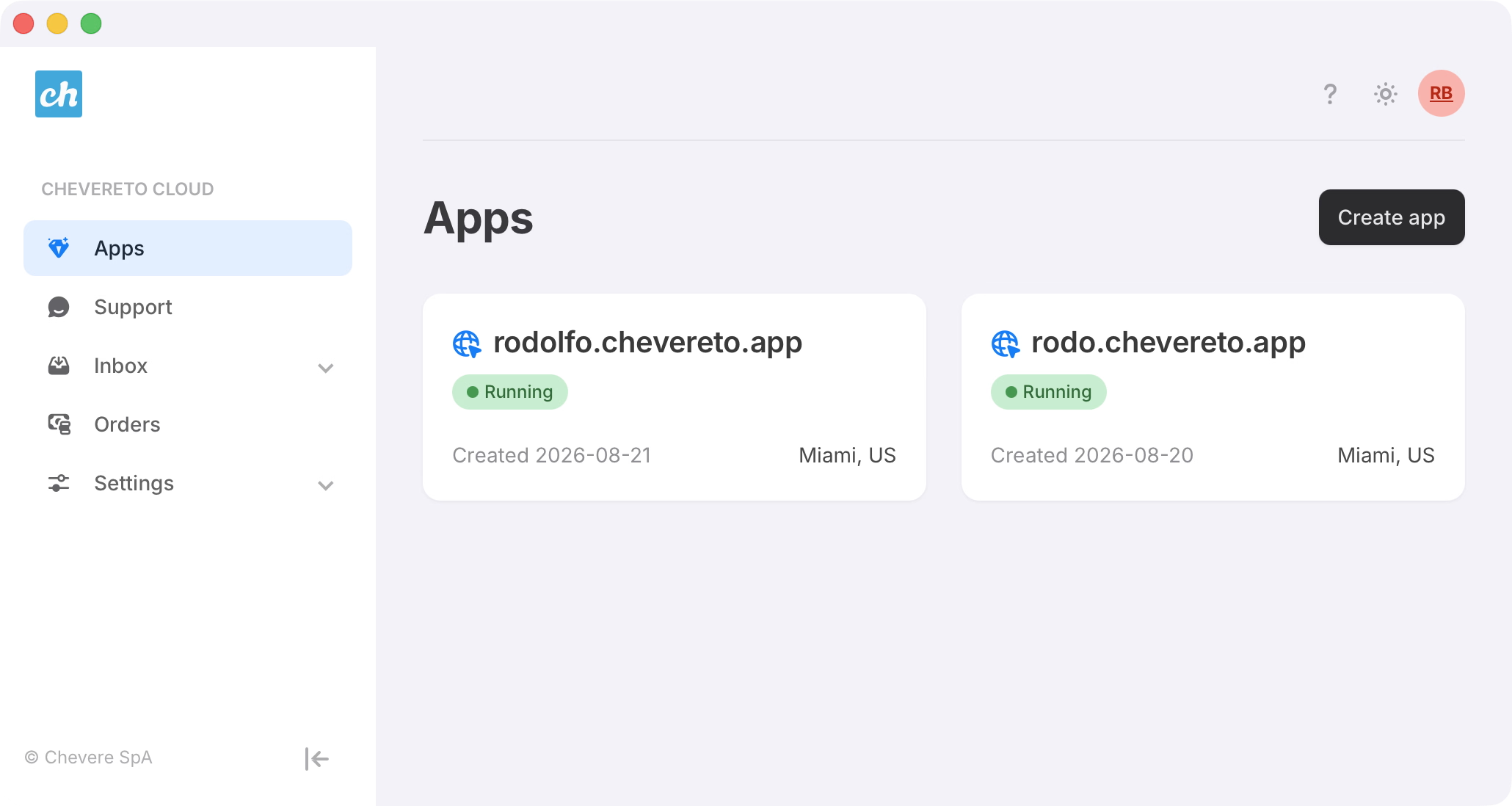
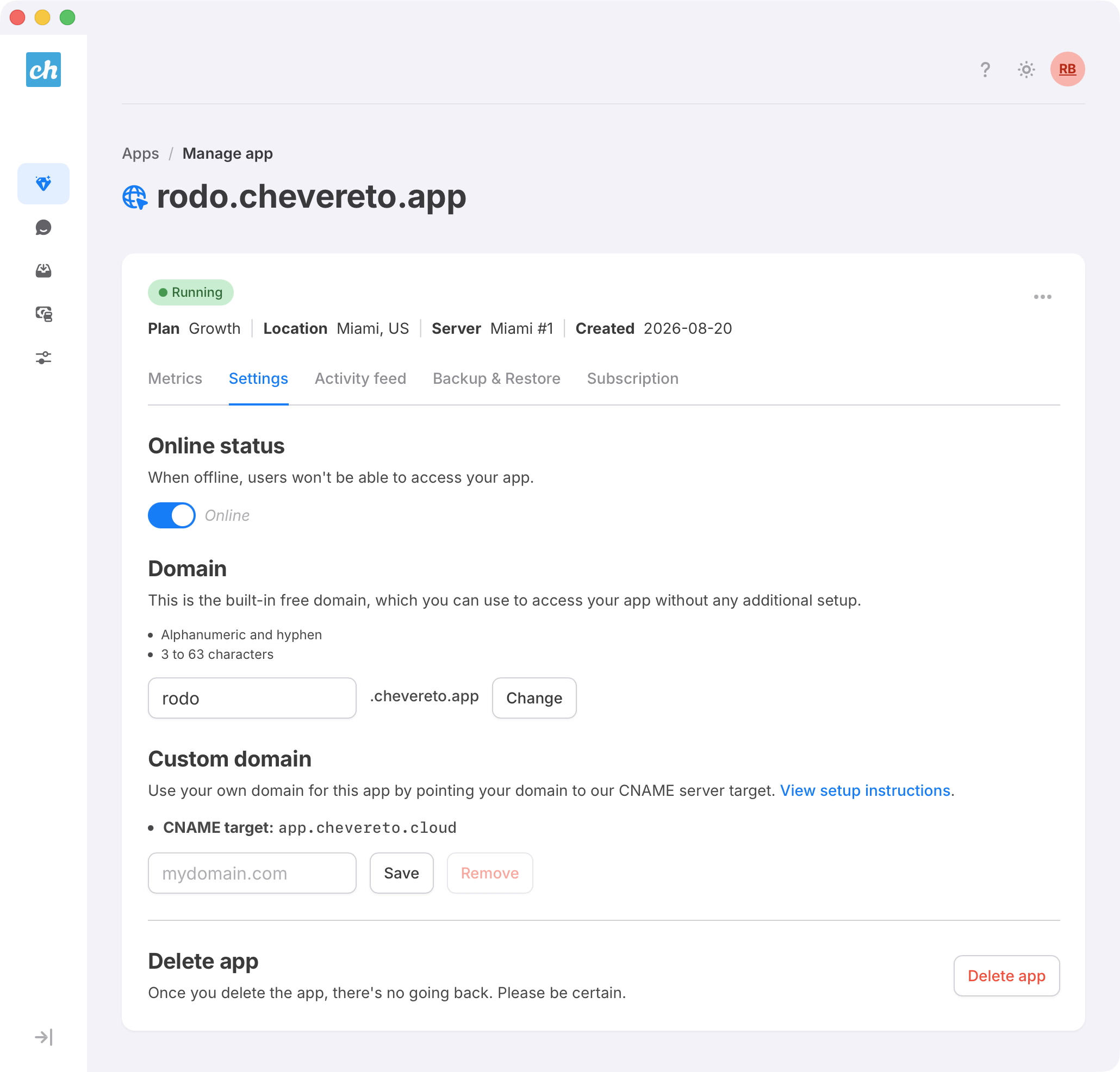
The main section is "Apps" where customers can manage and purchase app subscriptions.
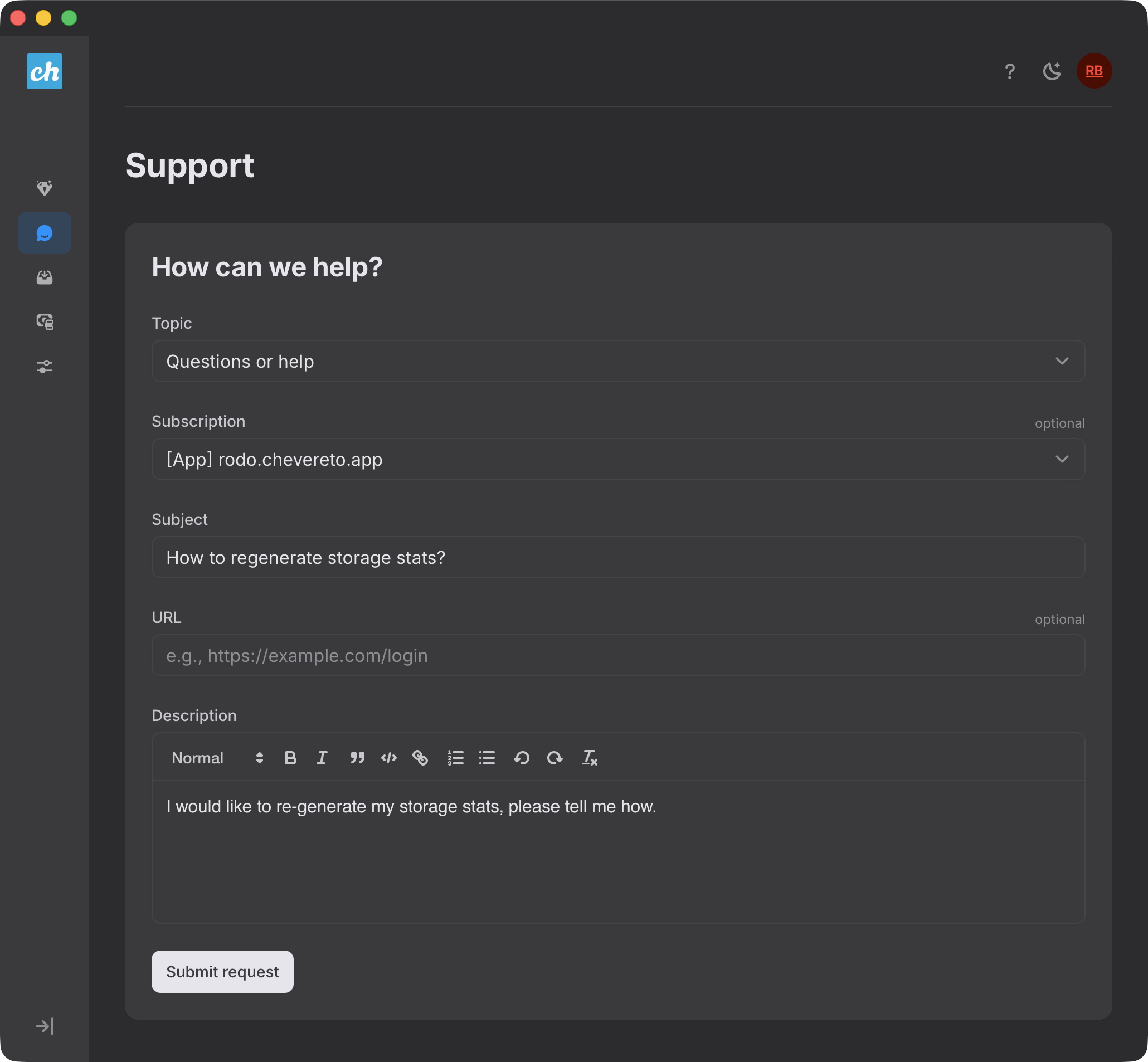
For the "Support" section I didn't want third-parties snooping in my customer's affairs so I built an in-house support system to enforce our privacy commitment. It works as a ticket/inbox system where customers can contact us directly.
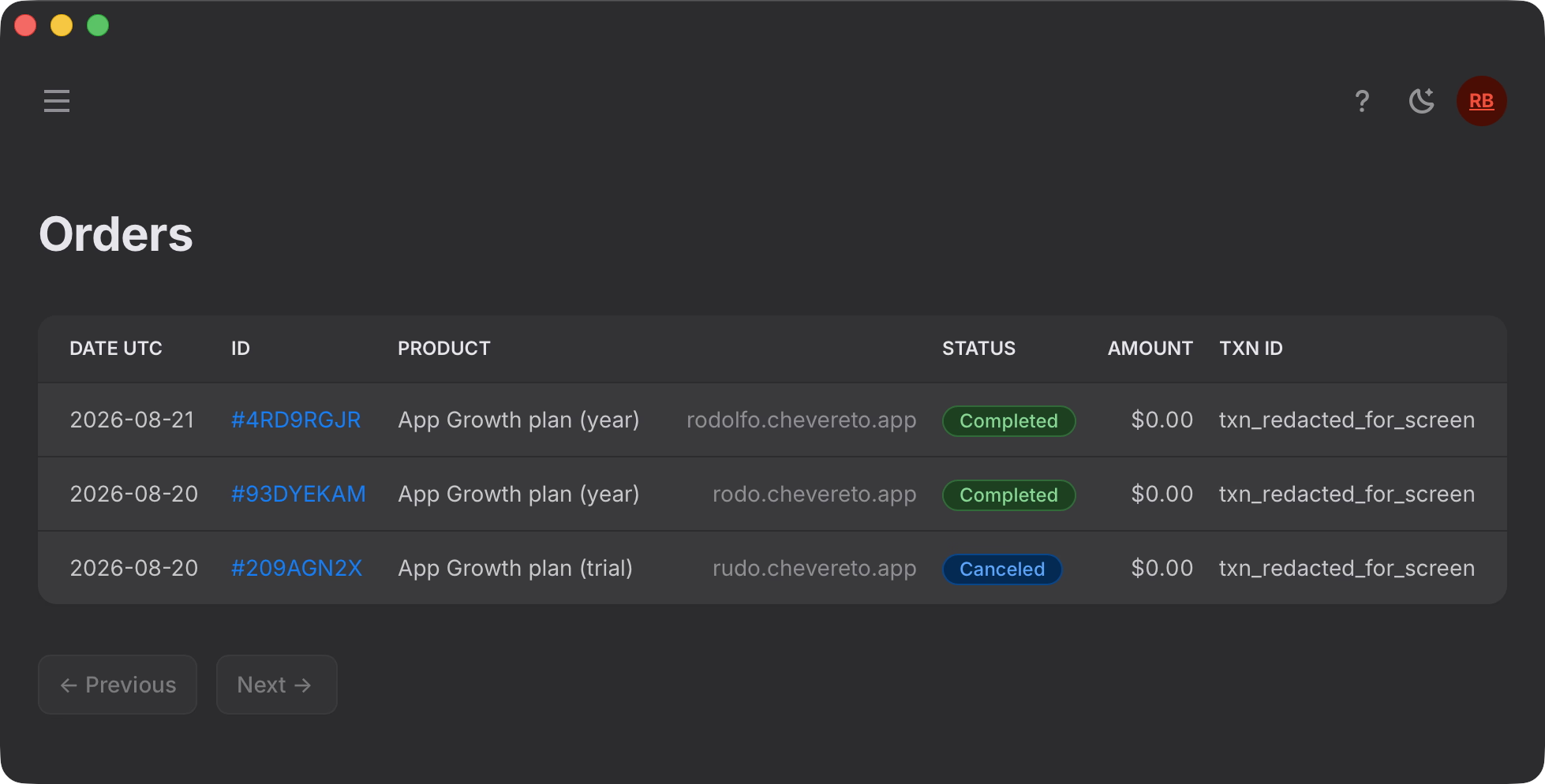
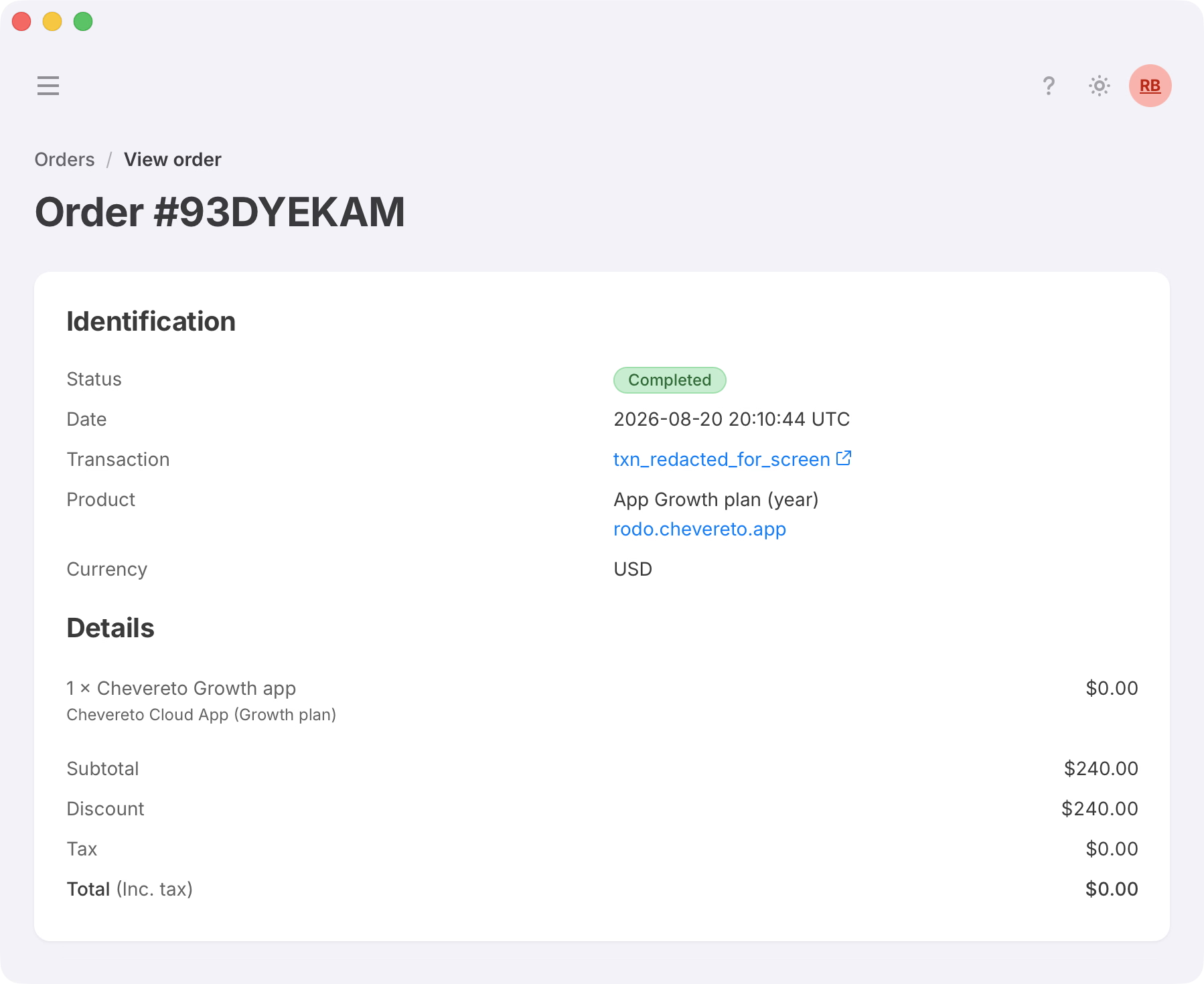
For the "Orders" section I went the extra mile. Payment gateway is handled by Paddle, and while they provide a full-featured customer portal, I wanted to integrate orders into the dashboard. That way customers can manage multiple orders with more peace of mind because when using Paddle's customer portal, they don't see the application they're managing, just a generic subscription plan name.
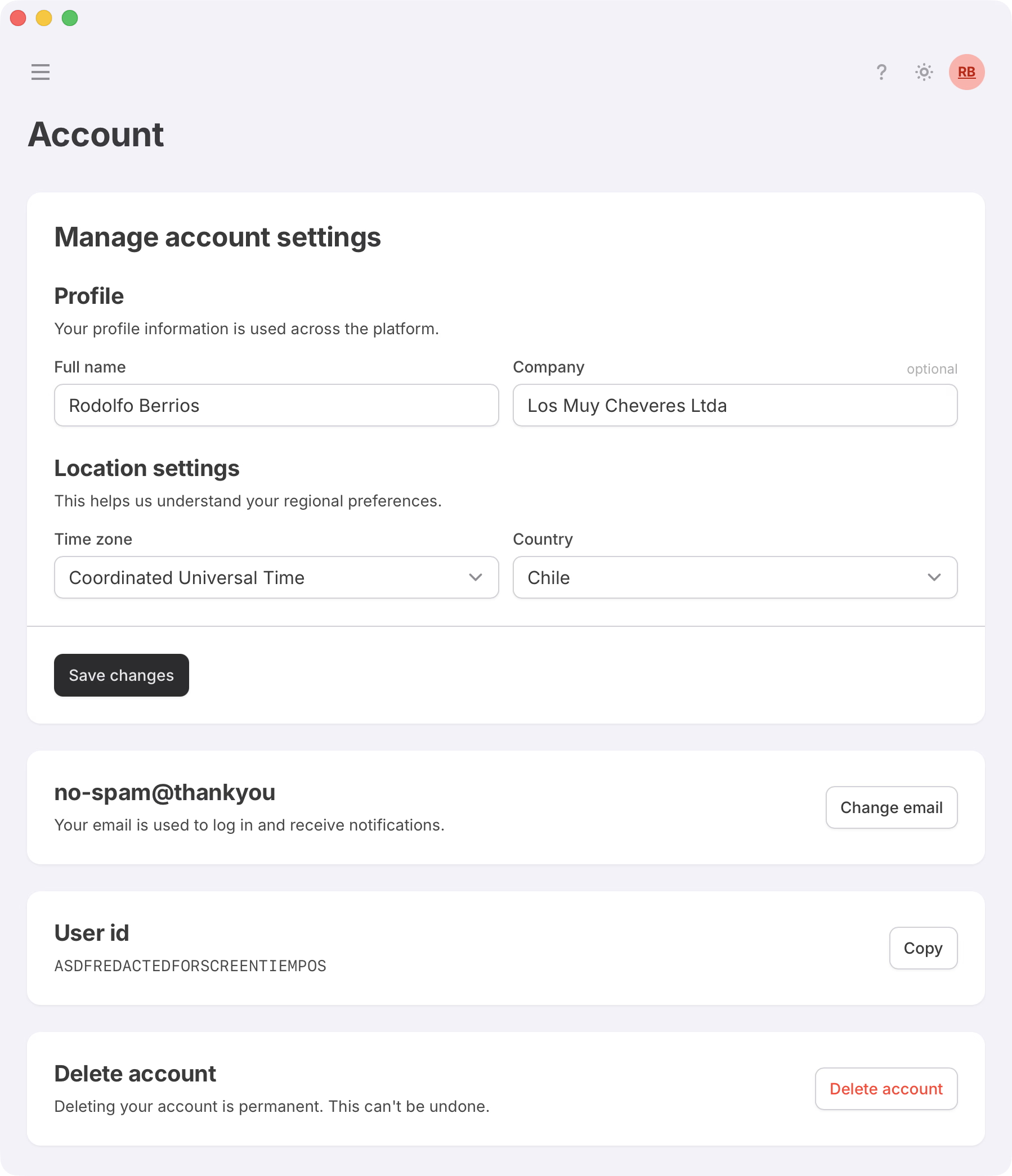
The "Settings > Account" section allows customers to manage their details, like name, email, company and more. Customers can also self-delete their account at any time.
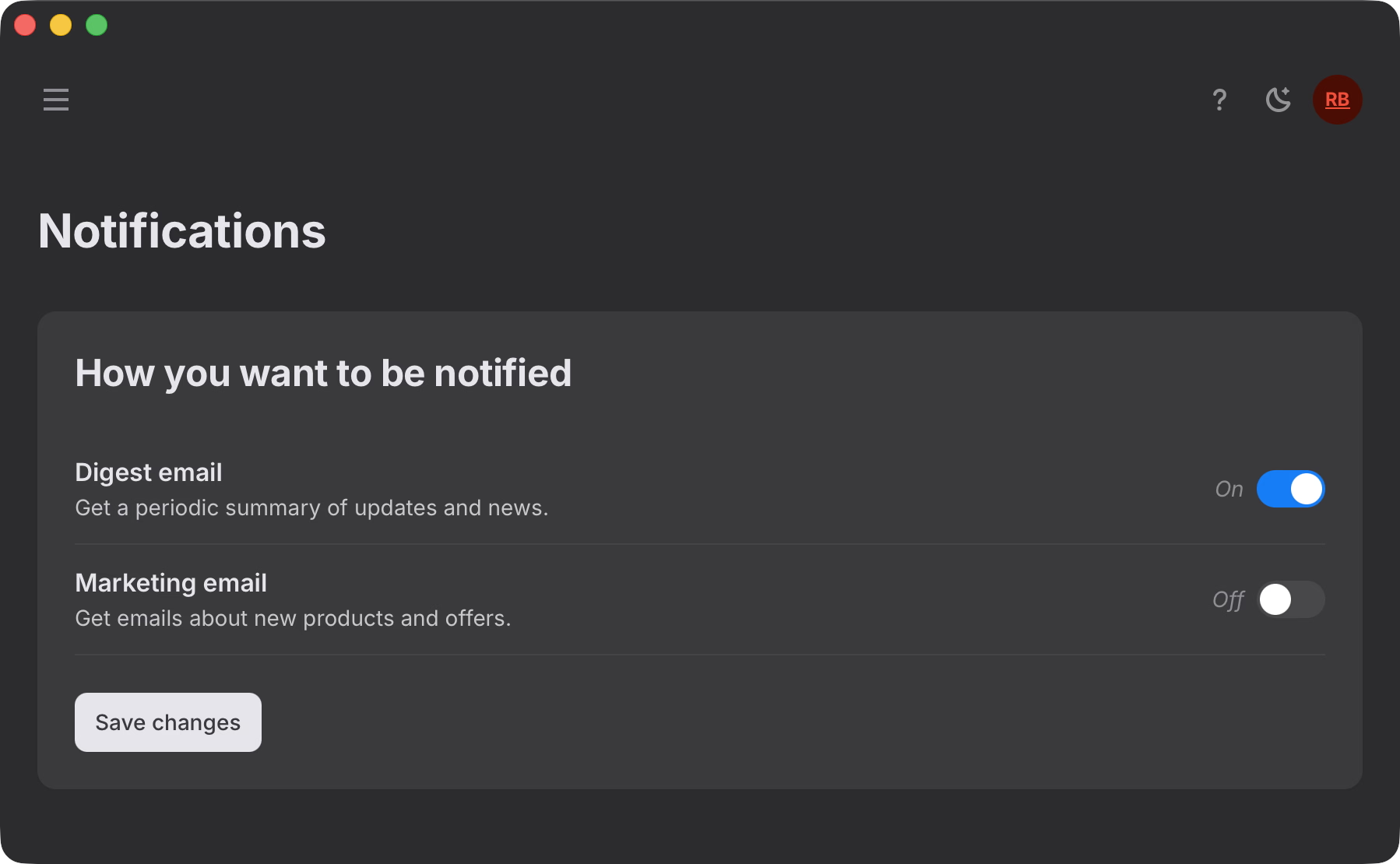
At "Settings > Notifications" customers can control their notification preferences. This section will later expand to include controls for security notifications, support messages, and more.
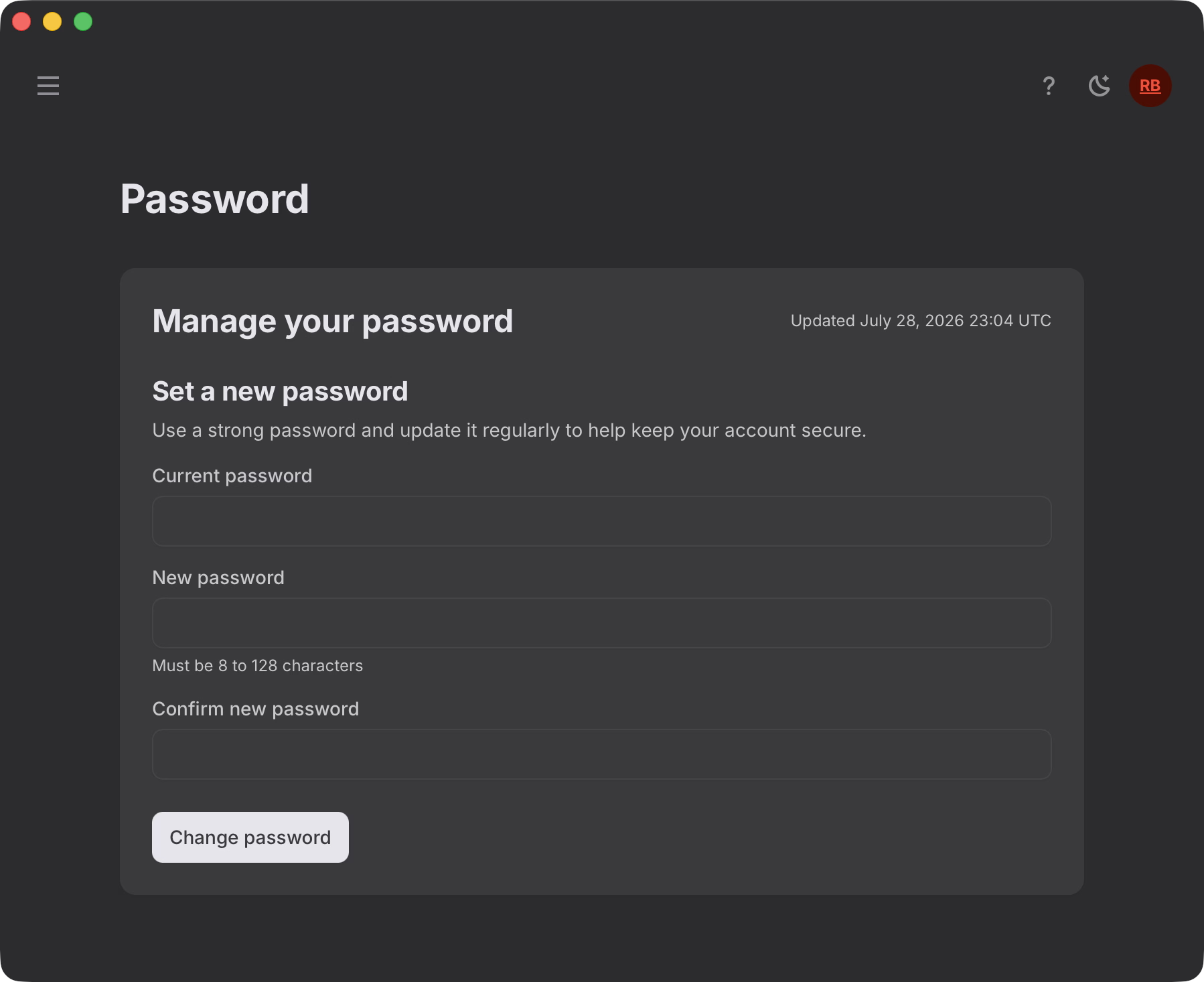
The "Settings > Password" section enables customers to configure their account password. This endpoint requires auth depending on the security setup, it will use email, authorization codes and/or passkeys.
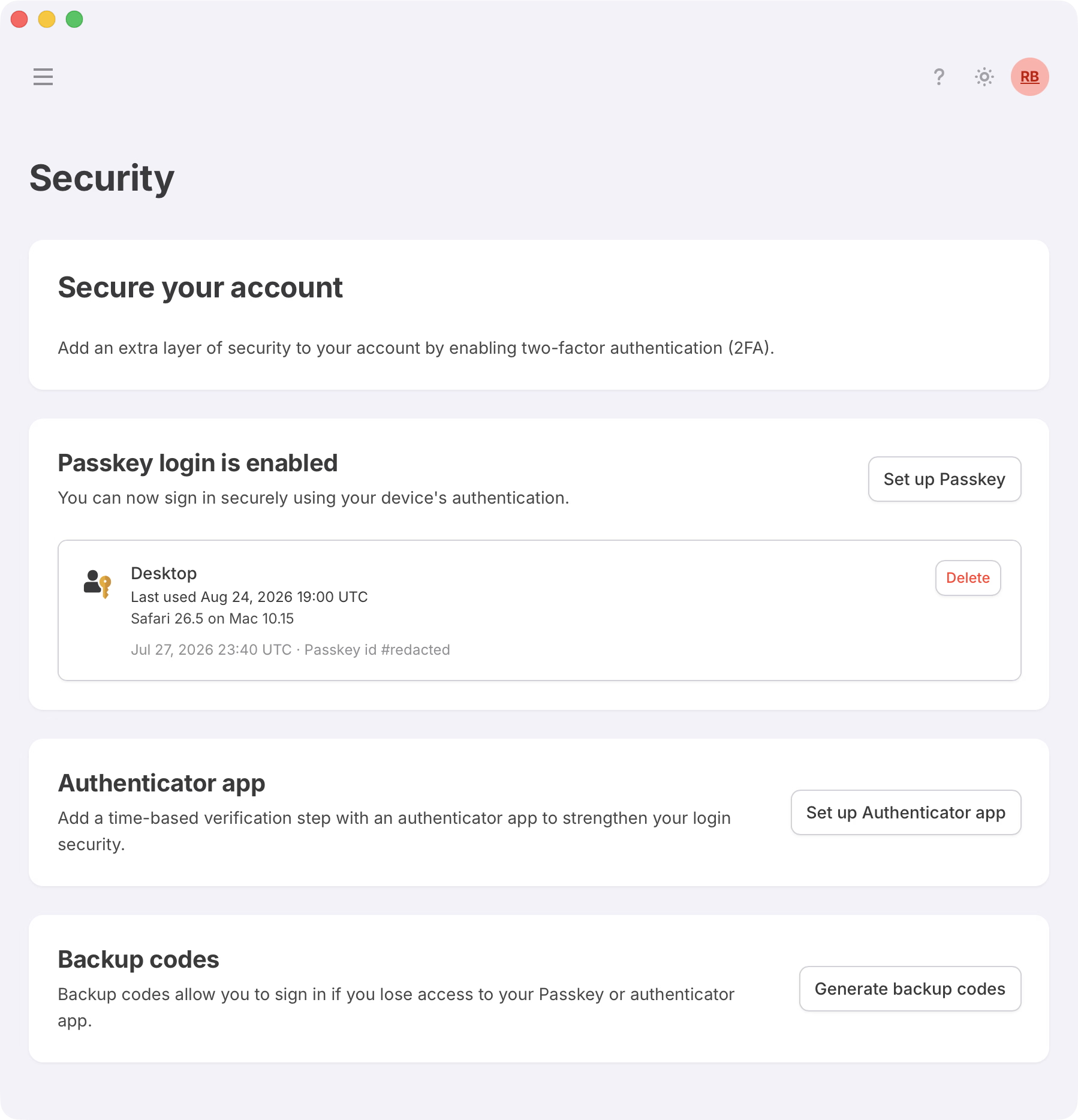
There's a strong focus on security and at "Settings > Security" the system enables customers to set up 2FA using Webauthn (passkeys), Totp (authenticator app), and backup (scratch) codes.
Users can set up as many passkeys as they want, and the system will automatically detect the best available method for each device.
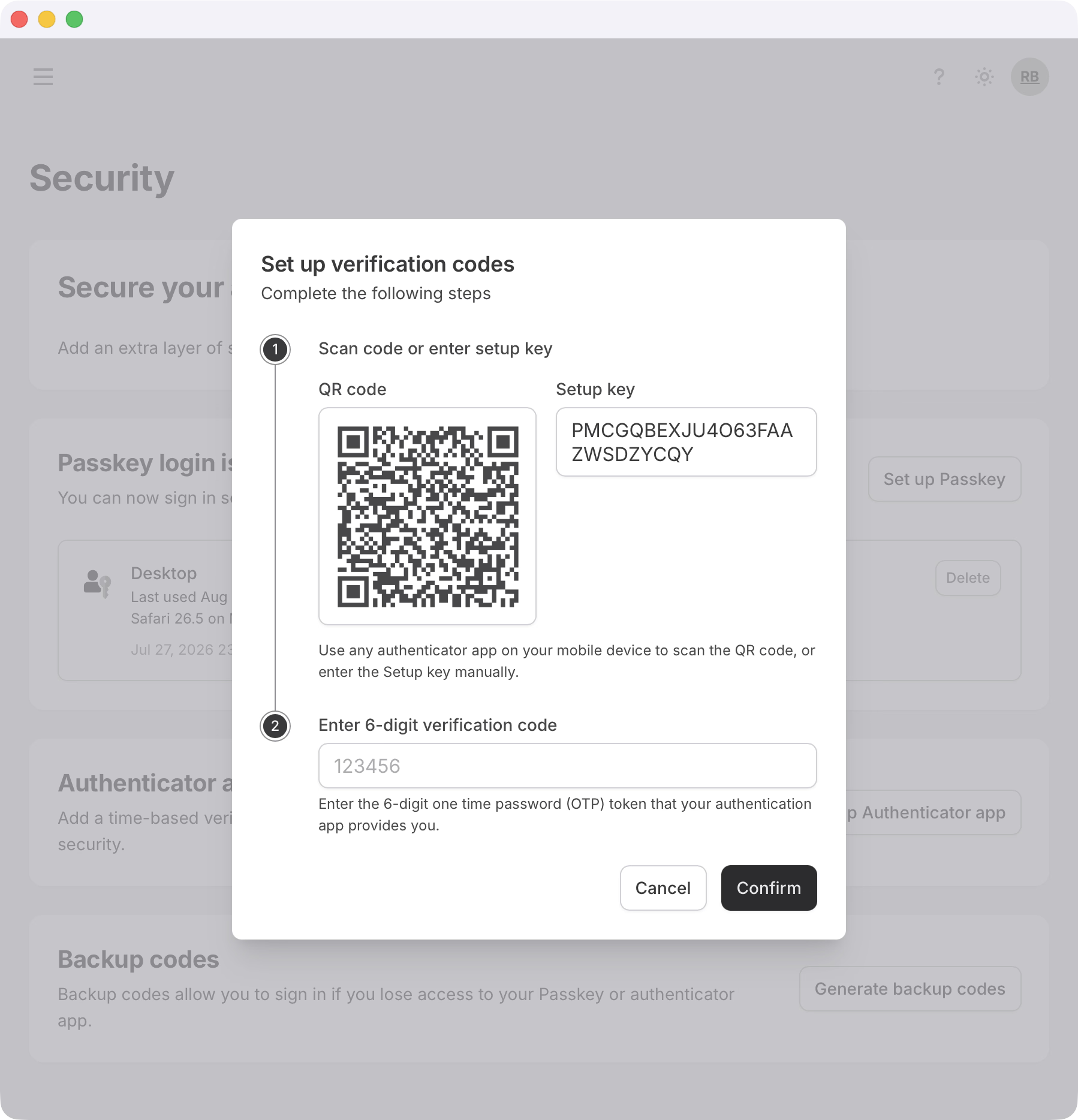
Users can set up time-based one-time passwords (TOTP) using an authenticator app. The system provides a QR code for easy setup and also displays the secret key in case the user prefers to enter it manually.
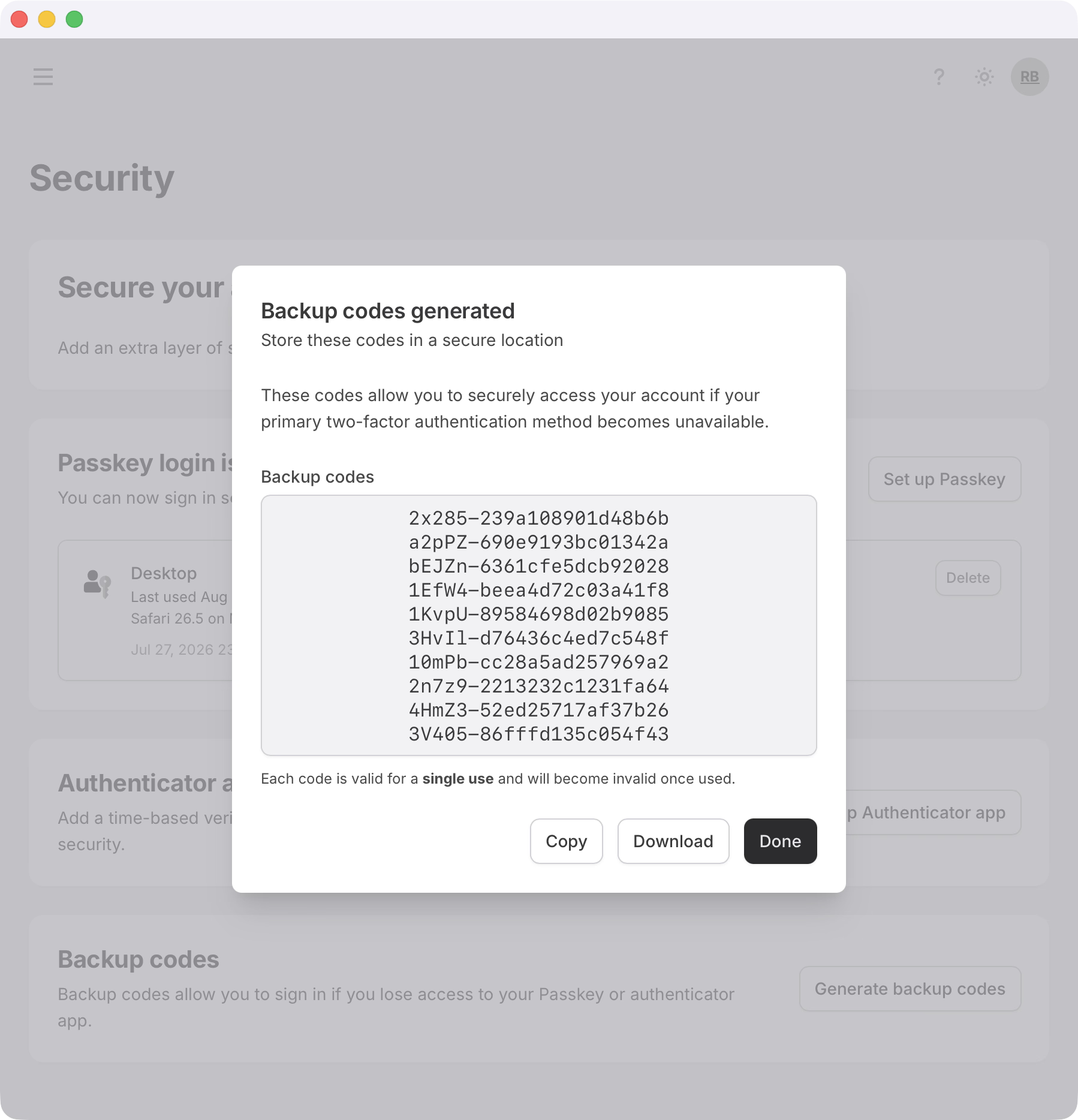
Backup codes are available only after the user has set up at least one of the other two methods. On request the system generates a set of single-use codes that can be used in place of the primary 2FA method if the user loses access to their device.
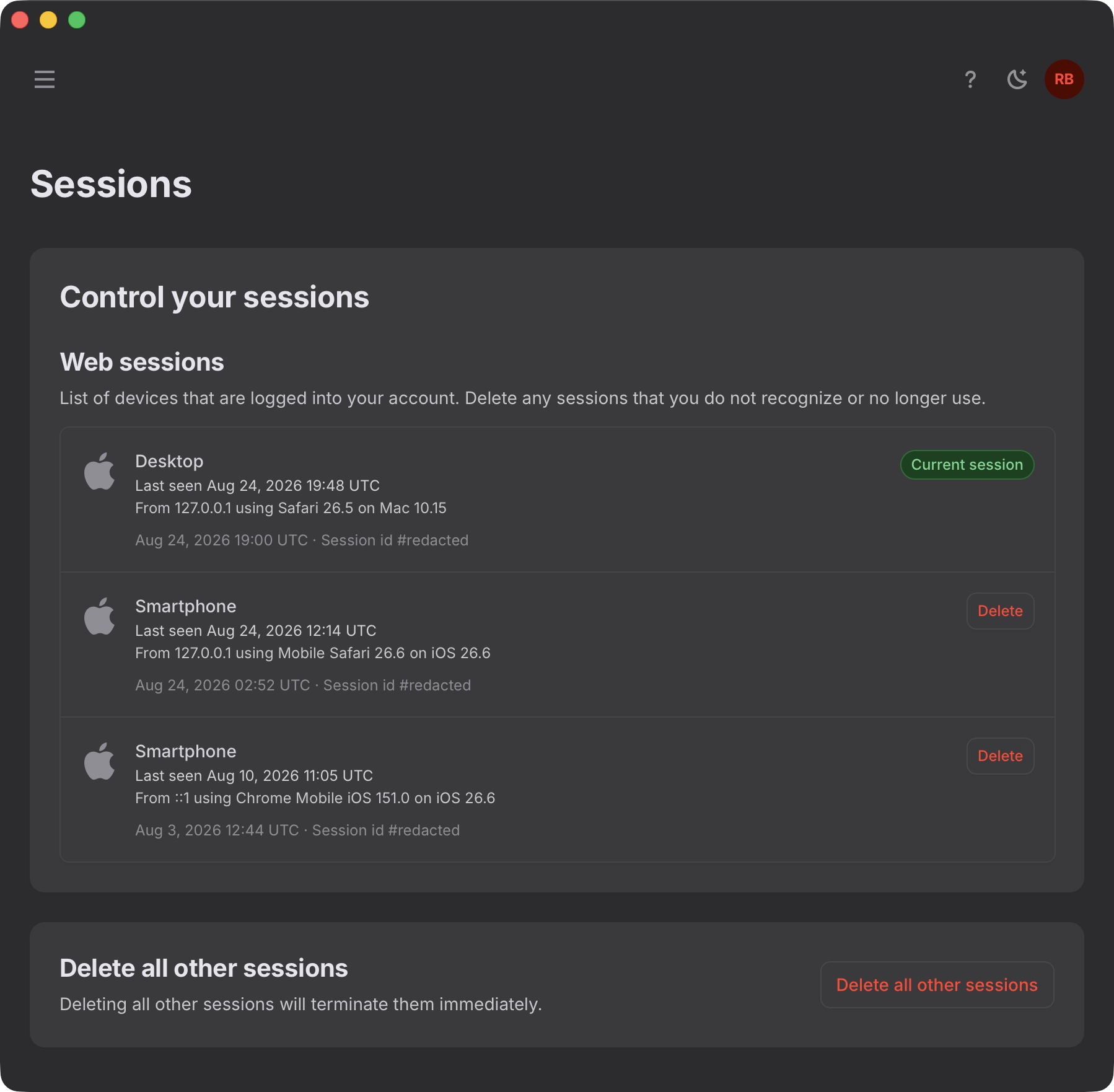
The "Settings > Sessions" section enables customers to control all the sessions connected to their account, with clear session identification and the ability to delete (log out) other sessions.
# Dashboard website (admin)
For the administrative sections I extended the user realm with sections focused on management tasks, everything under strict 2FA enforcement.
The "Catalog > Plans" section enables us to manage and fine-tune the plan offering. We can define plan details, color, pricing, limits, etc.
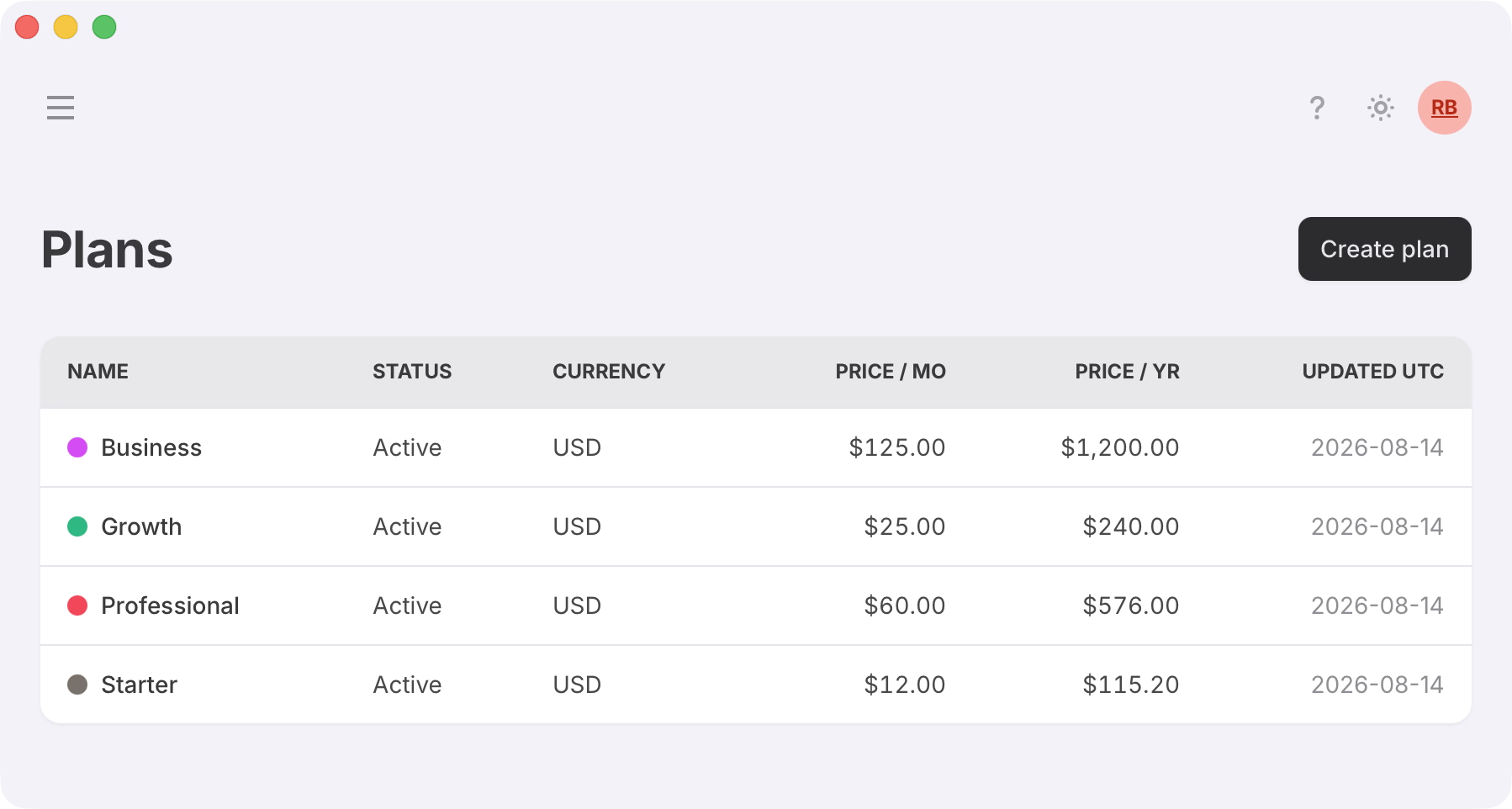
Regarding pricing, I wanted to be able to fully control this from my own panel instead of having to log into Paddle's so I added a "Push to Paddle" button that communicates plan pricing via Paddle API.
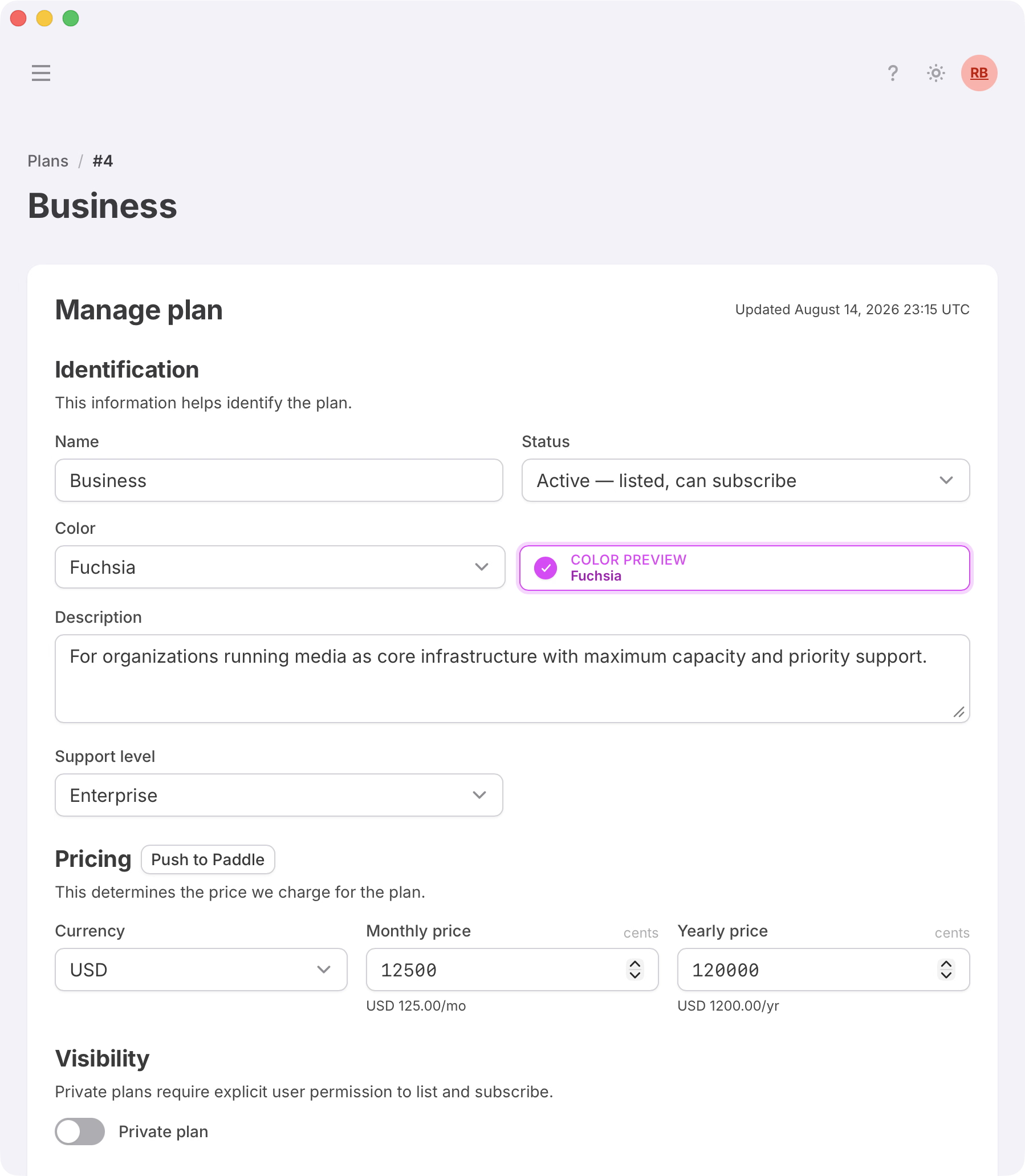
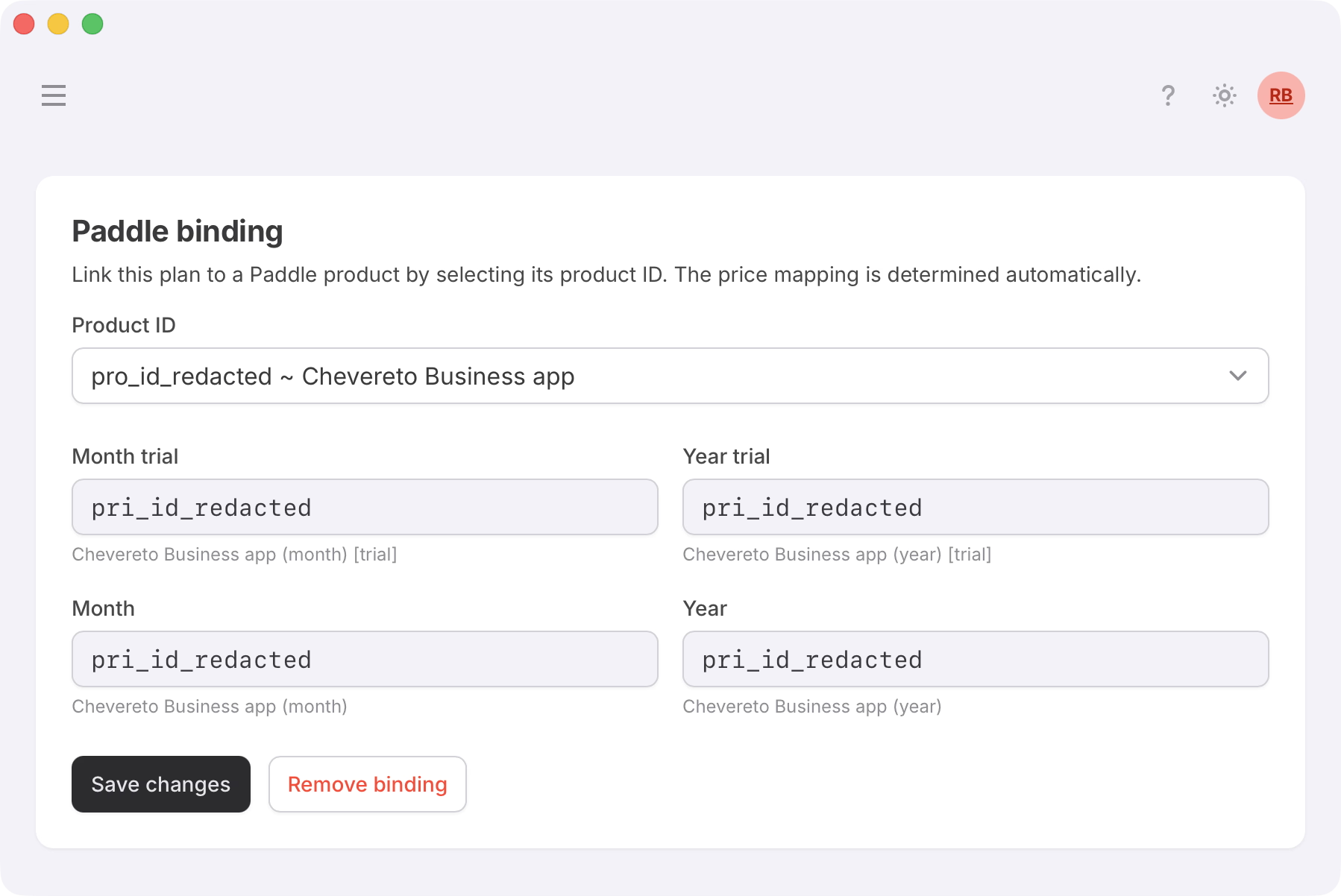
Each plan supports four billing variants (monthly and yearly, with or without a trial) all managed through a single dropdown menu.
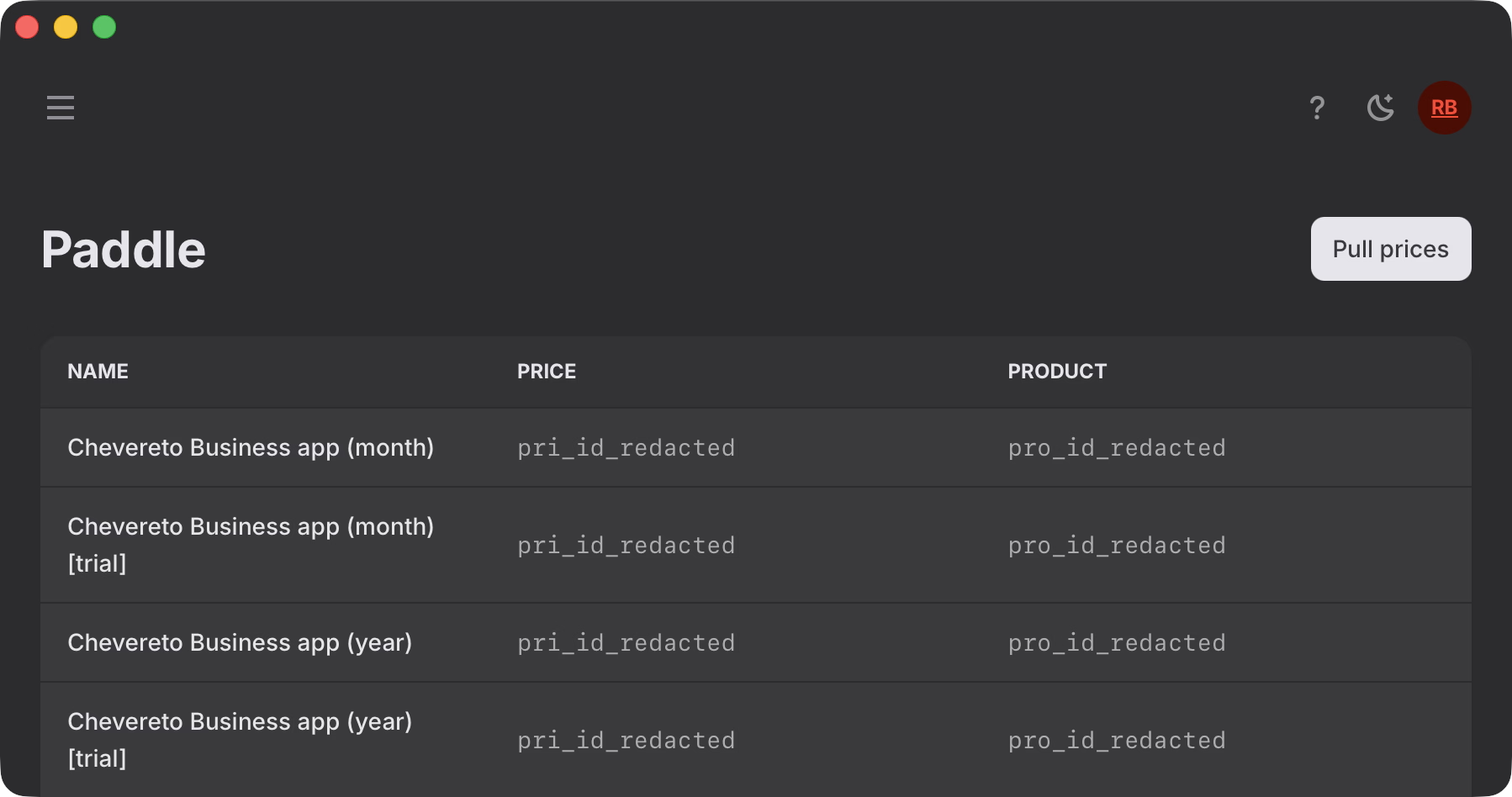
As we sometimes change prices directly on Paddle Billing, I figured it'd be nice to have two-way communication with them, so I added a dedicated section called "Catalog > Paddle" to pull updated prices from Paddle.
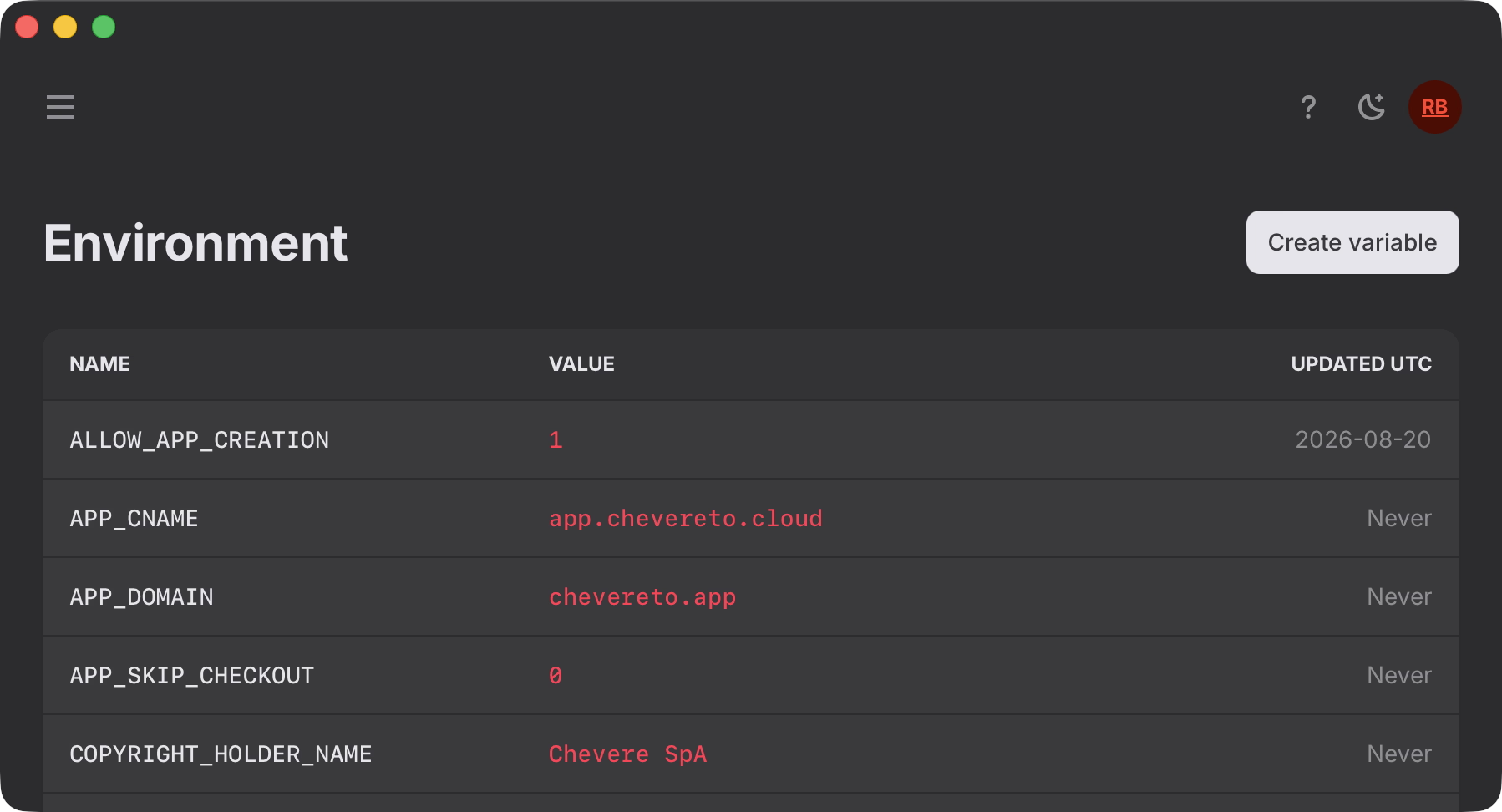
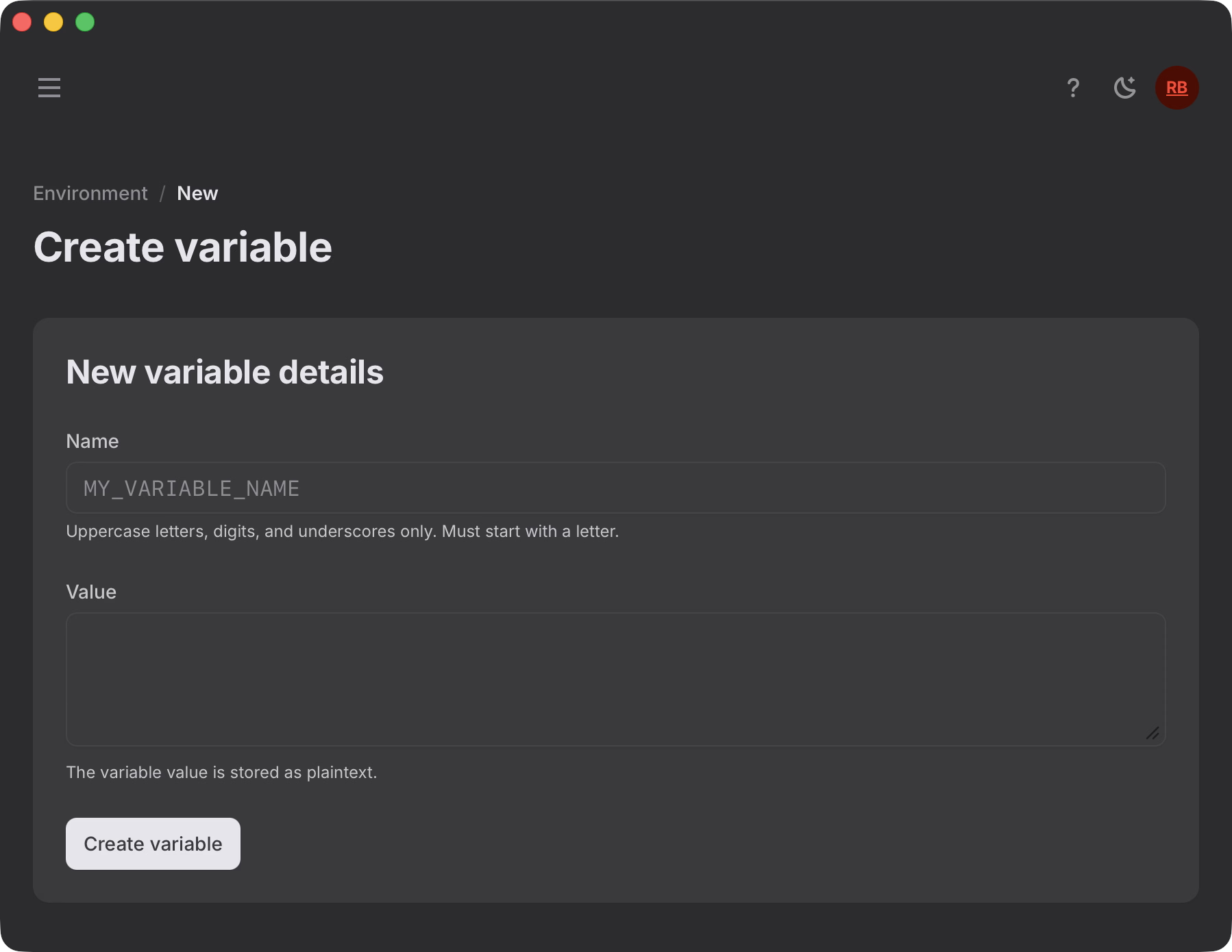
For public-safe configuration values I created a database-backed environment system. At the "Environment" section we can change configuration values without touching the source code. It also tells us when a value was last updated.
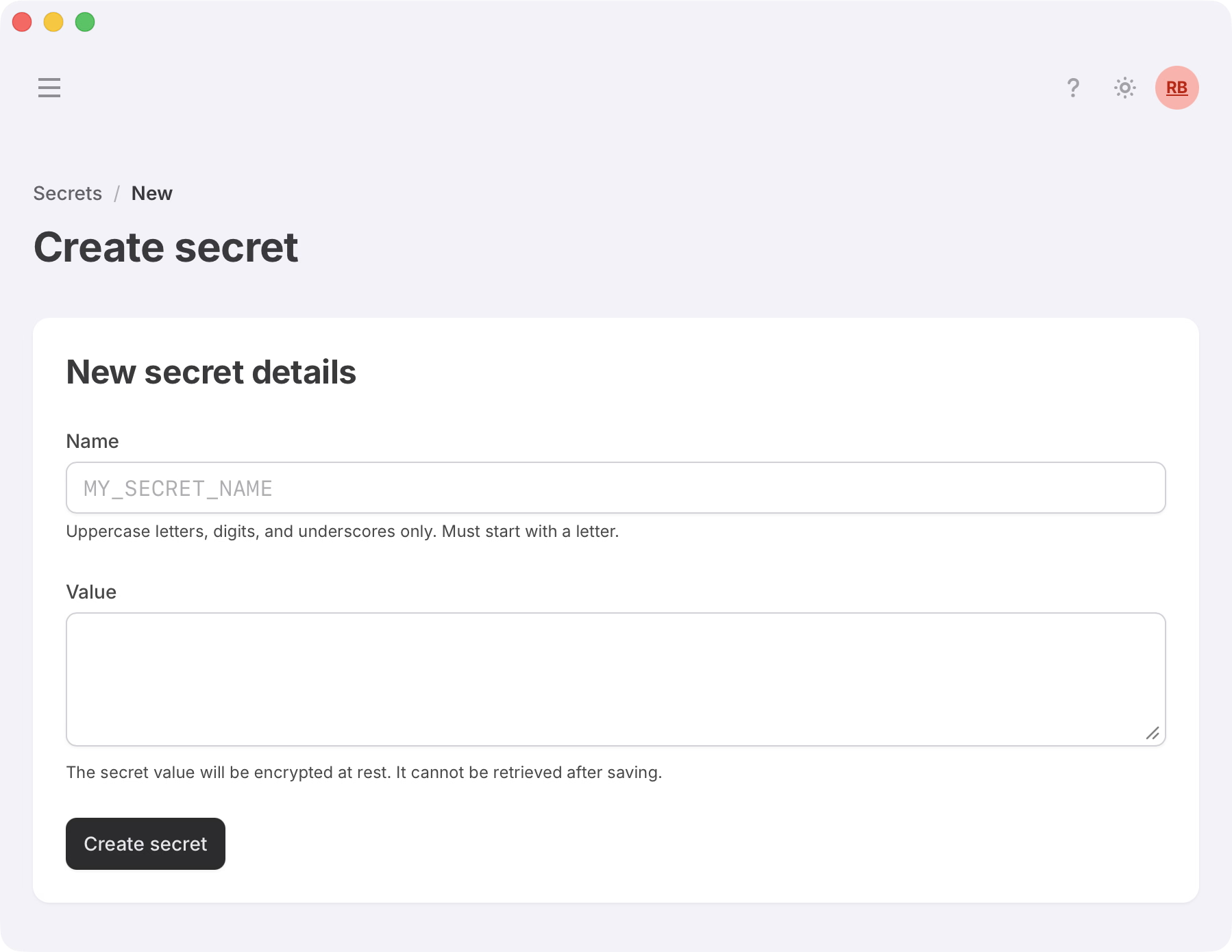
At the "Secrets" section I created a database-backed, ciphered secrets system for storing sensitive configuration values. It looks like the "Environment" section, except the actual values are never shown on the dashboard.
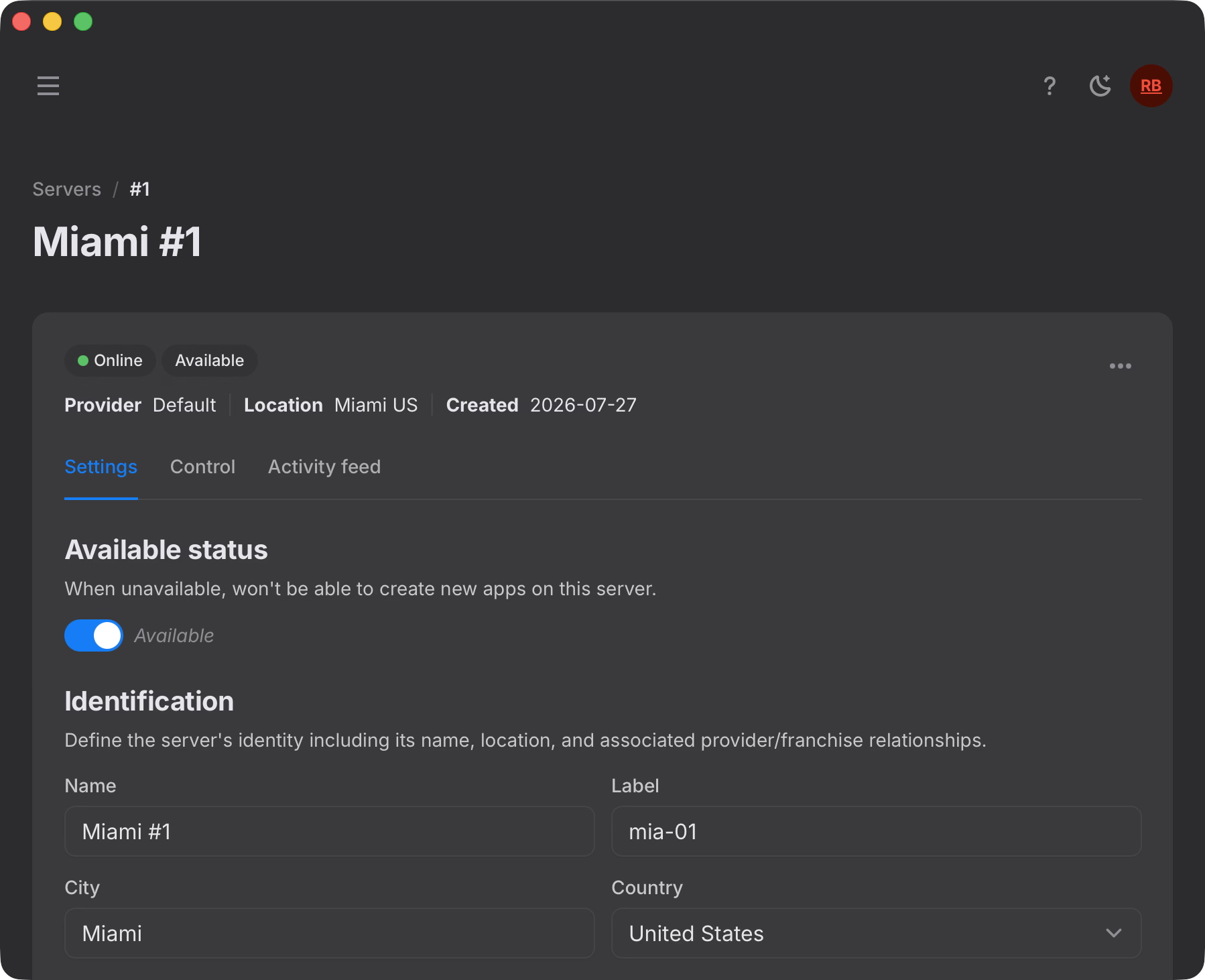
Chevereto Cloud is a multi-server-capable system, and just like "Apps" we have a "Servers" section where we can manage the available servers. These communicate with Chevereto instances running on multi-tenancy, enabling the cloud system to be fully distributed.
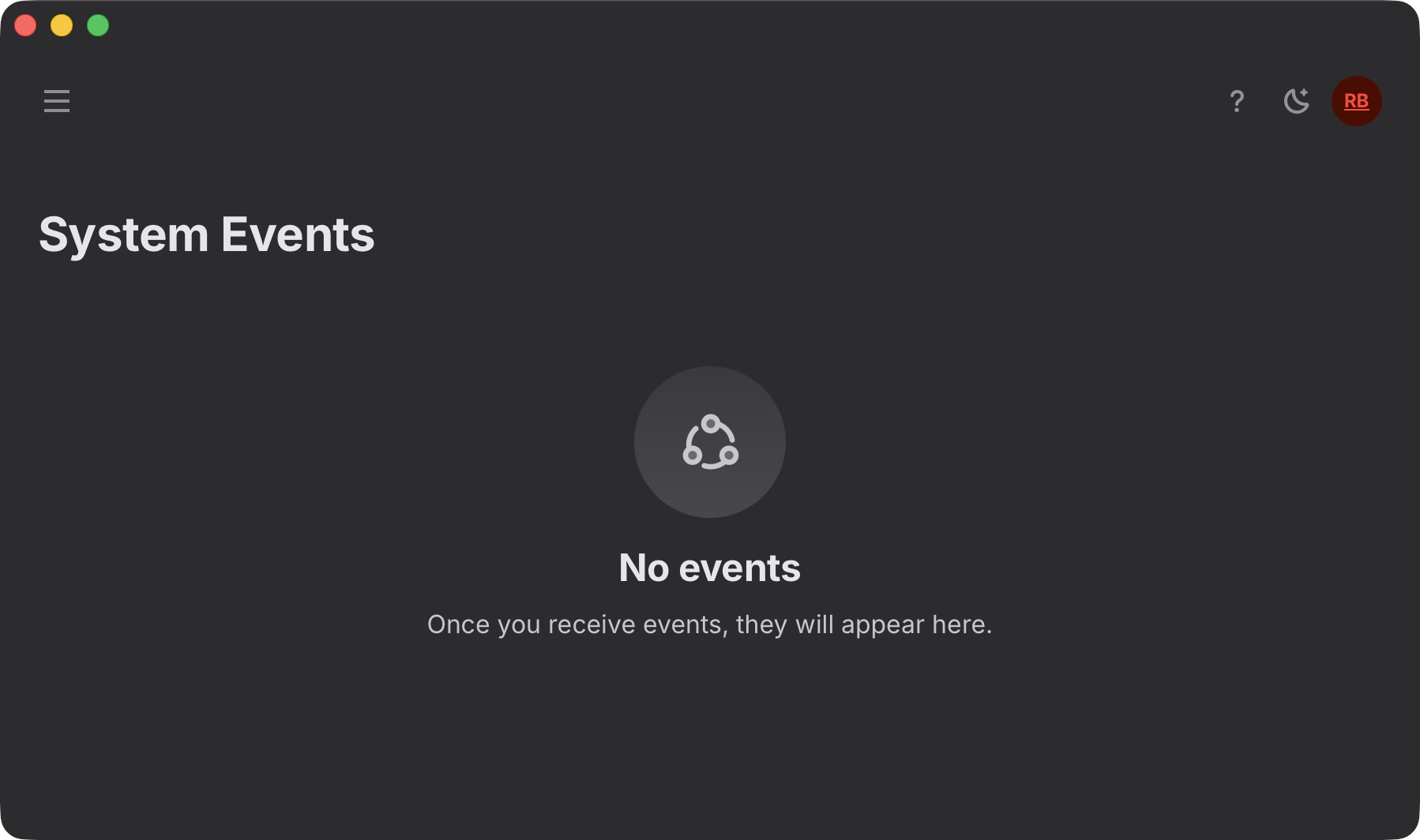
The "System Events" section shows the logs for all relevant events as the system is constantly monitoring the availability of everything we depend on. We monitor the connectivity with Paddle, Cloudflare and our own servers. If anything goes wrong, the system is prepared to halt provisioning and resume when the systems get back online.
# CLI
The system includes 3 CLI endpoints each one providing several commands. There's the "chevere" console in charge of building code (workflows, CSS, etc), the "sys" console in charge of managing everything that happens before the application bootstraps (env, secrets, caching) and the "app" console which provides CLI access to everything application runtime related.
This CLI is built on top of Chevere's action model and it's likely this component will get open sourced at some point.
# Deliberate choices
There are several alternatives that I considered while creating this product. I think it's worth mentioning why I picked or trashed some of them.
# IDs
For IDs I'm using integers for PK logic, but you won't ever see these. This is because I want to avoid enumeration, I don't want others figuring out the size or growth rate of this system. This is something that I've been doing since the first Chevereto version, but that one uses a weaker ID encoding algorithm. For Chevereto Cloud a few low-exposure record IDs are cloaked with an integer-to-string conversion algorithm using a dedicated alphabet for each concern, which lets us control minimum output length and define stop-words so you don't get an ID like "puta" or "whore".
For internal public IDs (the ones used in URLs) I'm using ULID in base32 notation as these records need to work under cursor-based pagination, so the built-in timestamp makes everything easier. Originally I picked UUIDv4 for this concern, but making these work with cursor pagination required also passing either the timestamp or the cloaked integer ID, defeating the whole purpose.
For external IDs (the ones shared with third-parties) I'm using UUIDv4, that way we can maintain the relation, but the third-party has no visibility into our real internal ID, which also can't be guessed by any means.
# No storage vendor
We market Chevereto Cloud as a no-vendor-lock-in platform meaning customers retain full ownership of their data and can migrate at any time. To uphold this, we decided not to act as a storage vendor. Instead, users connect their own third-party storage (BYOS). While this means less profits for us, it sends a clear signal about our commitment to portability and user sovereignty.
Going storage-less also allows us to focus entirely on application performance and security. By decoupling the application layer from the file hosting layer, storage policy and access controls remain directly between the customer and their chosen provider.
Down the line, we may partner with select storage providers for auto-configuration, or even offer native storage options of our own. But the core principle remains: Storage choice should always be an option, never a mandatory lock-in.
# Reception
Self-hosted users don't care about this and I don't expect them to. Chevereto Cloud isn't a replacement for self-hosting, it's a different product for people who never wanted to fiddle with a server in the first place. The self-hosted app isn't changing because of this.
Real reception will happen over the next few months. A few people have already reached out with feature requests, which is a good sign. Next up is probably open sourcing the CLI, plus taking care of the requirements raised by the first batch of customers.
Between this, Chevere, the V4 refactor and contract work, it's been a long stretch. Good to finally have it released!